We are proud to announce an exciting new feature that is available across all of
our courses:
AI Teacher Assist.
Teachers who use our courses, including
Web Design,
Web and Mobile Game Design, and
Web and Computer Animation, can enjoy using this feature immediately.
AI Teacher Assist is
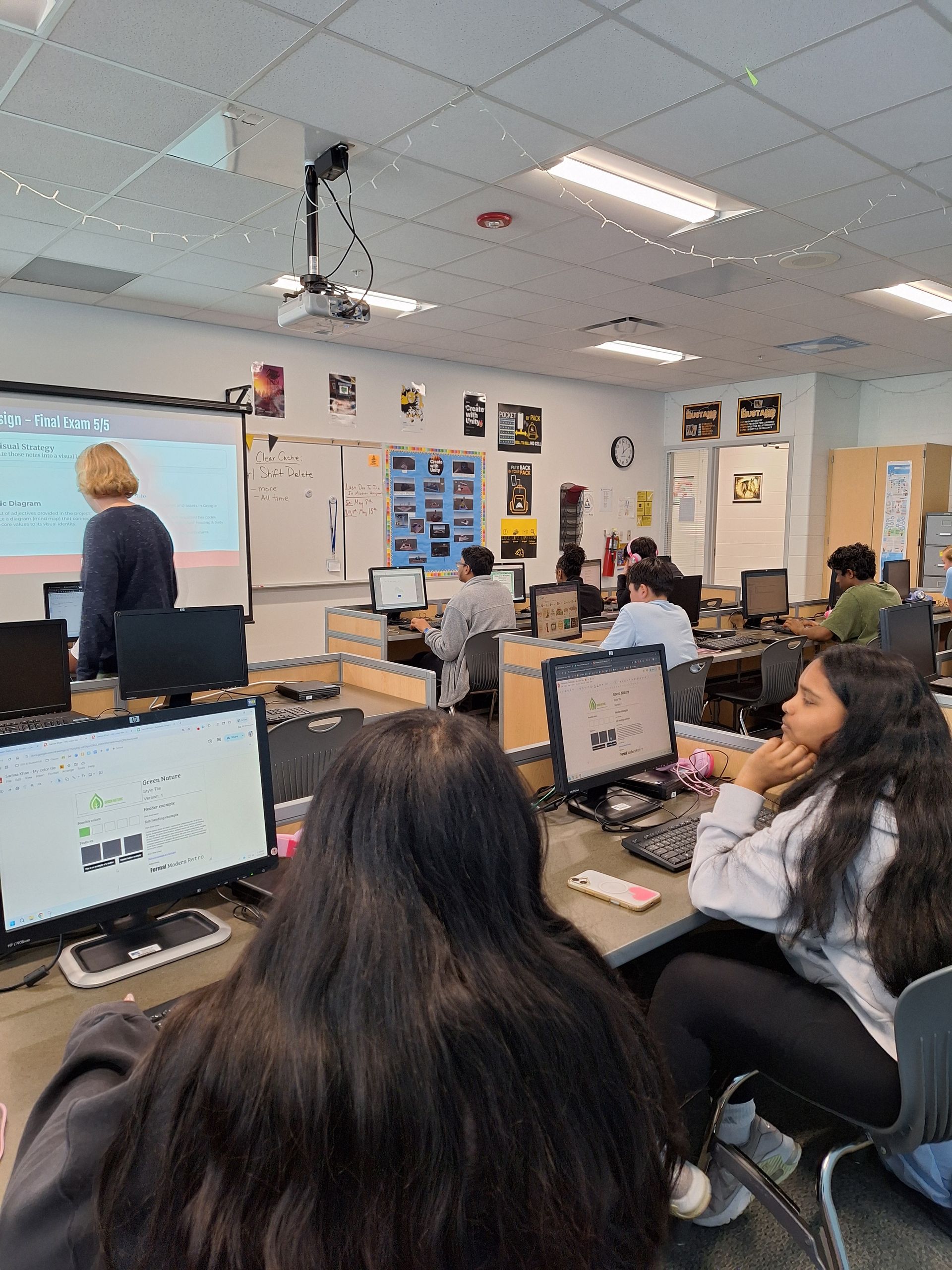
a real-time, course-integrated support tool built explicitly for educators across all CTeLearning courses. As a high school teacher or CTE administrator, your classroom moves at a relentless pace. On any given day, you are balancing curriculum delivery, student engagement, hands-on lab management, and administrative tracking—often all within the same 50-minute period.
When a practical issue pops up—like a student added to your class roster mid-period or needing to reset a quiz before the bell rings—you don't have the luxury of digging through multi-page PDF user manuals, digging through archived emails, or waiting hours for a support ticket response. AI Teacher Assist gives teachers another tool to keep the classroom running smoothly.
Note that this tool is part of the legendary customer support CTeLearning is known for. We are still doing one-on-one support with teachers whenever they need help. The AI Teacher Assist is simply another tool to equip our teachers to quickly find answers. Our team is always just a phone call or email away.
Let’s check out how the tool works.
What is AI Teacher Assist?
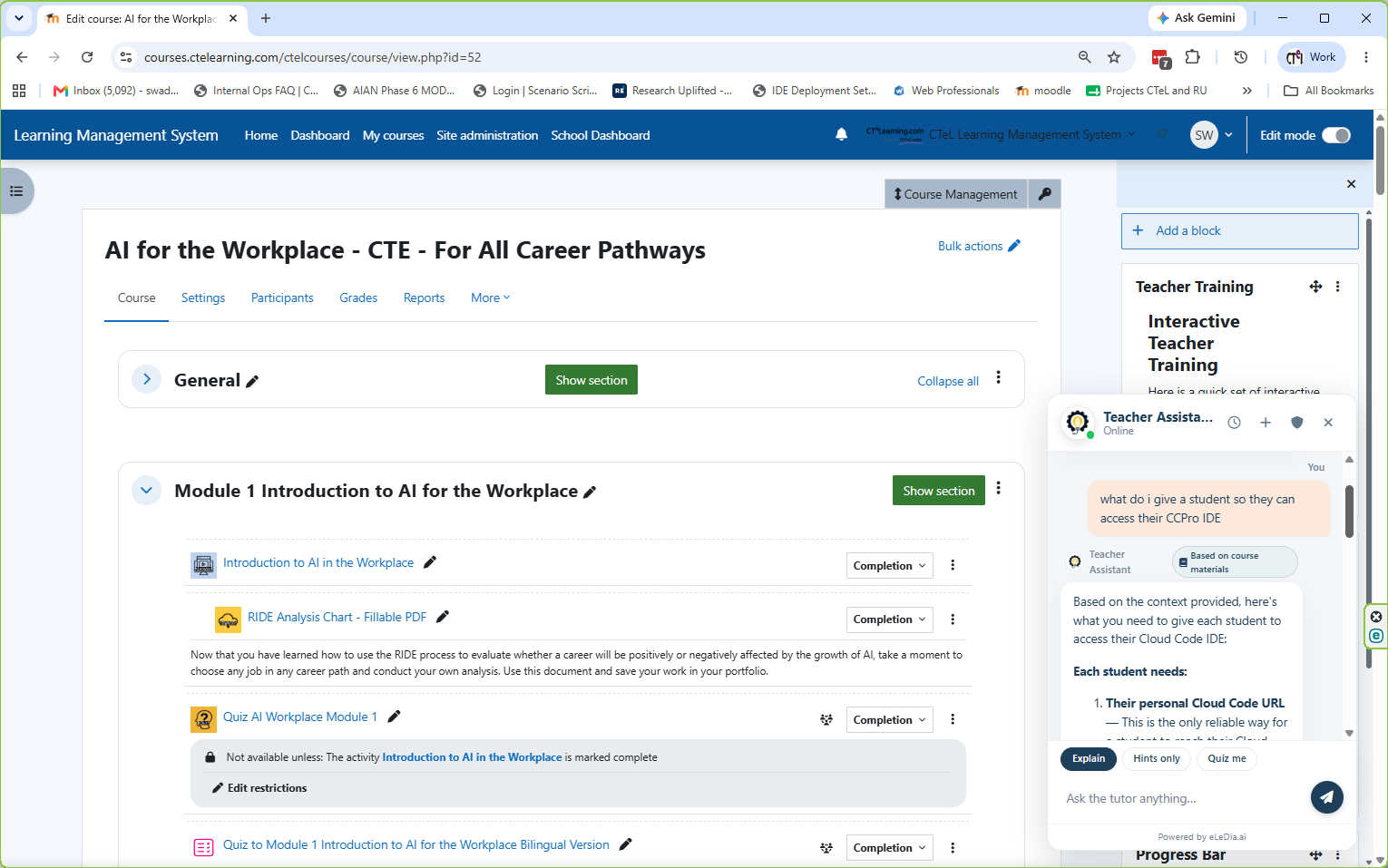
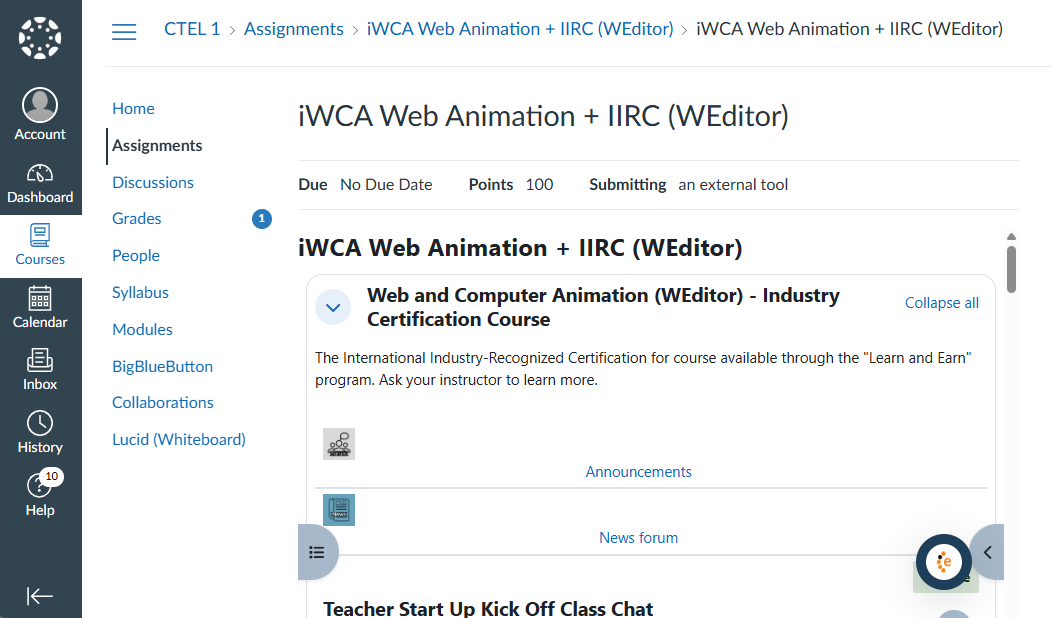
AI Teacher Assist is an exclusive digital assistant embedded directly into your CTeLearning course platform. Accessible via a simple floating icon in the lower right-hand corner of your screen, it provides immediate, 24/7 access to our complete library of teacher support materials, administrative documentation, and instructional video tutorials.
Rather than searching through files or relying on memory for administrative functions you might only perform once or twice a semester, you simply ask a question in plain language using the
"Ask the Tutor Anything"
prompt.
- Your Query:
"How do I add a new student?"
- AI Teacher Assist Response: Instantly generates the precise, step-by-step navigation path within the LMS, accompanied by a direct link to a short walkthrough video showing you exactly where to click.
Built Around Real Classroom Challenges
We built AI Teacher Assist around the actual daily operational hurdles faced by career and technical education instructors:
1. Navigating Early-Semester "Musical Chairs"
During the first few weeks of a new term, guidance counselors frequently adjust student schedules. When a new student arrives unexpectedly at your classroom door, AI Teacher Assist enables you to quickly pull up enrollment steps, add the student to your roster, and get them set up with their course access immediately—without interrupting the flow of your lesson.
2. Fast Refreshers for LMS Management
Teaching involves dozens of software tasks that aren't part of your daily routine. Whether you need to run grade reports, verify student login activity, suspend an inactive account, reset an assignment, or unlock a quiz, AI Teacher Assist serves as an instant memory refresh so you can complete the task in seconds.
3. Integrated Video Tutorials & Interactive FAQs
Every educator learns differently. For those who prefer visual learning, AI Teacher Assist pairs text instructions with direct links to concise tutorial videos. Additionally, the system incorporates course-specific interactive FAQs—covering everything from troubleshooting software tools to addressing classroom asset guidelines—giving you contextual answers relevant to the exact subject you are teaching.
4. A Living, Evolving Resource
Static user guides quickly become outdated. AI Teacher Assist is linked to a centralized documentation hub that our team continually updates. As new teacher questions arise or software features update, those insights are integrated immediately, ensuring your answers are always current and accurate.
Exclusive to Educators, Grounded in Verified Materials
AI Teacher Assist is strictly reserved for teachers and administrators—it is entirely invisible and inaccessible to students.
Unlike broad, public AI chatbots that scrape the general web and can produce unreliable information, AI Teacher Assist is locked exclusively to CTeLearning's proprietary teacher manuals, platform documentation, and curriculum guides. It does not guess or generate outside content; it delivers precise, verified information specific to your CTeLearning environment.
Our Commitment to Support: While AI Teacher Assist offers immediate answers during live instruction, our human technical support team remains as accessible as ever. Think of AI Teacher Assist as a fast, first-line assistant for real-time questions, with our dedicated tech support team always ready whenever you prefer to pick up the phone or send an email.
Spending Less Time on Admin, More Time on Teaching
Our mission at CTeLearning is to remove technical barriers so you can focus on what matters most: mentoring your students and guiding them toward industry readiness.
AI Teacher Assist is rolling out across all
CTeLearning courses. Look for the floating support icon in the bottom corner of your course dashboard during your next session! For more information about our courses, contact us today.