For high school agriculture educators and Career Technical Education (CTE) teachers, instructing students in landscape design has long presented a fundamental compromise. Traditional hand-drafting with scale rulers and trace paper teaches important spatial concepts, but it fails to provide the digital career readiness demanded by today’s green industry. On the other hand, traditional professional Computer-Aided Design (CAD) applications come with steep learning curves, expensive software licensing, and hardware demands that frequently crash standard school-issued Chromebooks or tablets.
To bridge this critical gap, we at CTeLearning have created and fully integrated
YardCAD—a 100% browser-based landscape drafting and spatial visualization platform—into our popular
Horticulture and Sustainable Landscape Design course pathway.
Designed explicitly for high school Ag science pathways, CTE academies, and post-secondary horticulture programs, YardCAD equips your students with professional-grade drafting, 3D modeling, dynamic botanical tracking, and material estimation without the traditional IT friction.
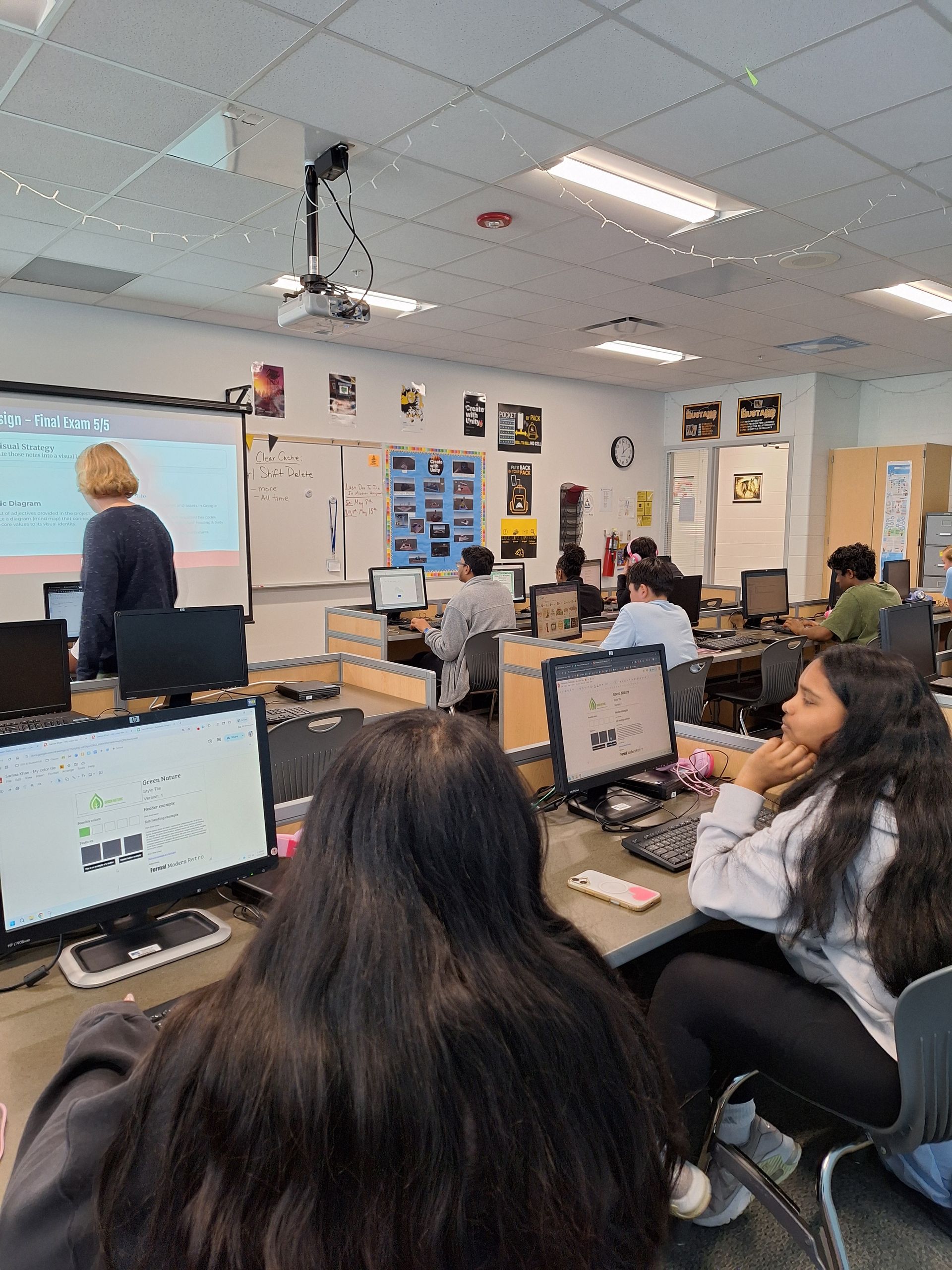
Zero-Friction EdTech Built for Chromebooks and 1:1 Classrooms
One of the greatest barriers we see teachers face when integrating design software into agricultural education is IT compatibility. Most schools rely heavily on low-power devices, making desktop-bound CAD software impractical.
We built YardCAD to remove these technical hurdles by operating entirely inside any modern web browser:
- Universal Device Compatibility: Runs smoothly across Google Chromebooks, iPads, Windows PCs, Macs, and Android devices.
- Zero Local Downloads: No software installation, administrative permissions, license key tracking, or graphics card upgrades required.
- Cloud-Native Access: Students can work on site plans in the school greenhouse or computer lab and seamlessly continue their assignments from home.
- Low Learning Curve: An intuitive drag-and-drop interface ensures your class time is spent mastering horticultural principles rather than struggling with software menus.
Comprehensive Toolset: From 2D Precision Drafting to Immersive 3D Walkthroughs
In our pathway, YardCAD transitions students from simple design concepts to real-world spatial planning. Learners can build accurate property layouts from scratch using customary (feet/inches) or metric units.
Core Drafting and Visual Features
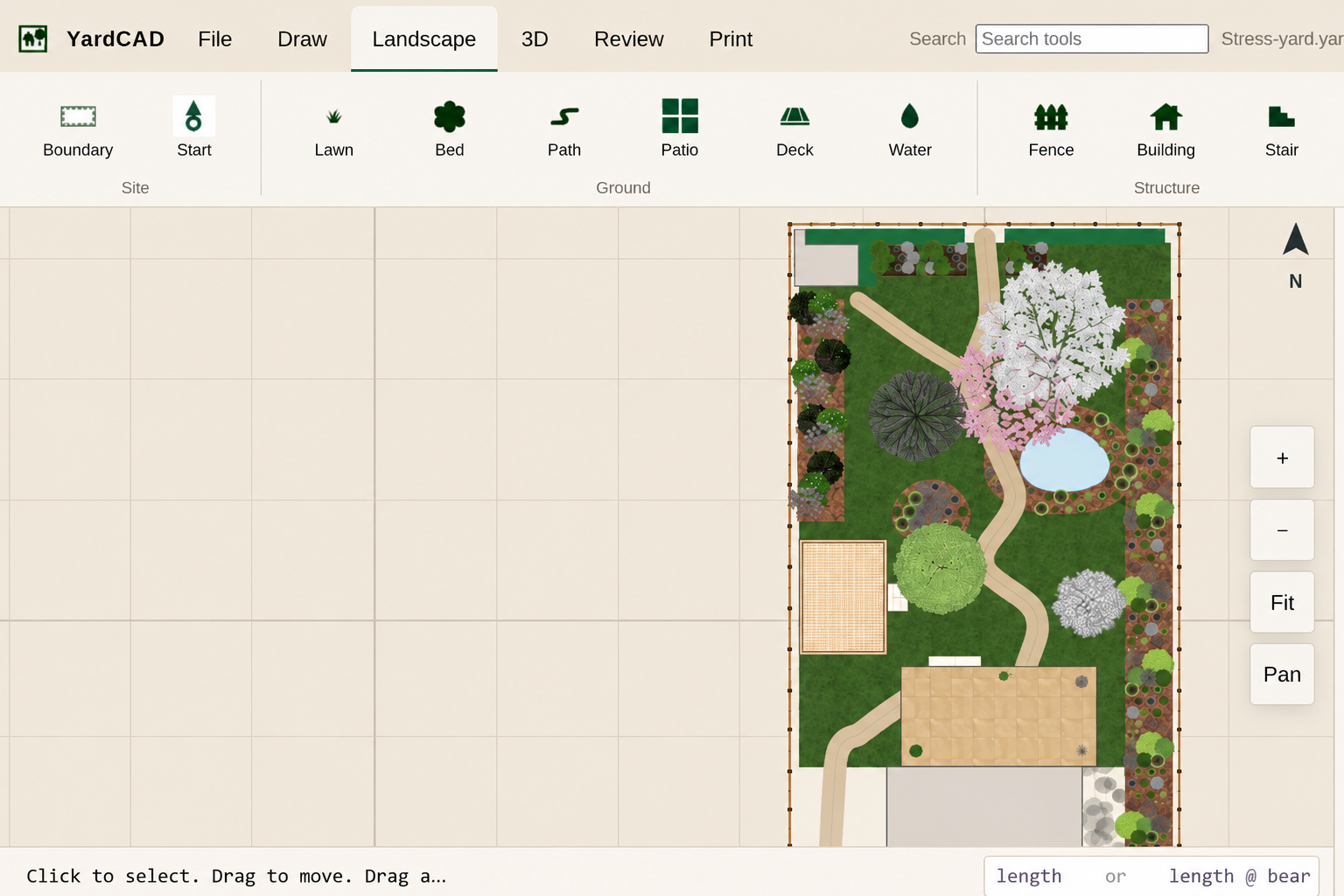
- Precision Site Mapping: Set up property lines, lawns, and planting beds.
- Smart Precision Snapping & Editing: Utilize a snap grid, insert plants and hardscapes, copy, move, scale, rotate, etc.
- Virtual Tape Measure: Use the virtual tape measure to investigate distances and areas to plan beds, paths and irrigation heads.
- Sublayer Organization: Keep drawings readable and professional by organizing plants, hardscapes, utilities, dimensions, and annotations on separate layers.
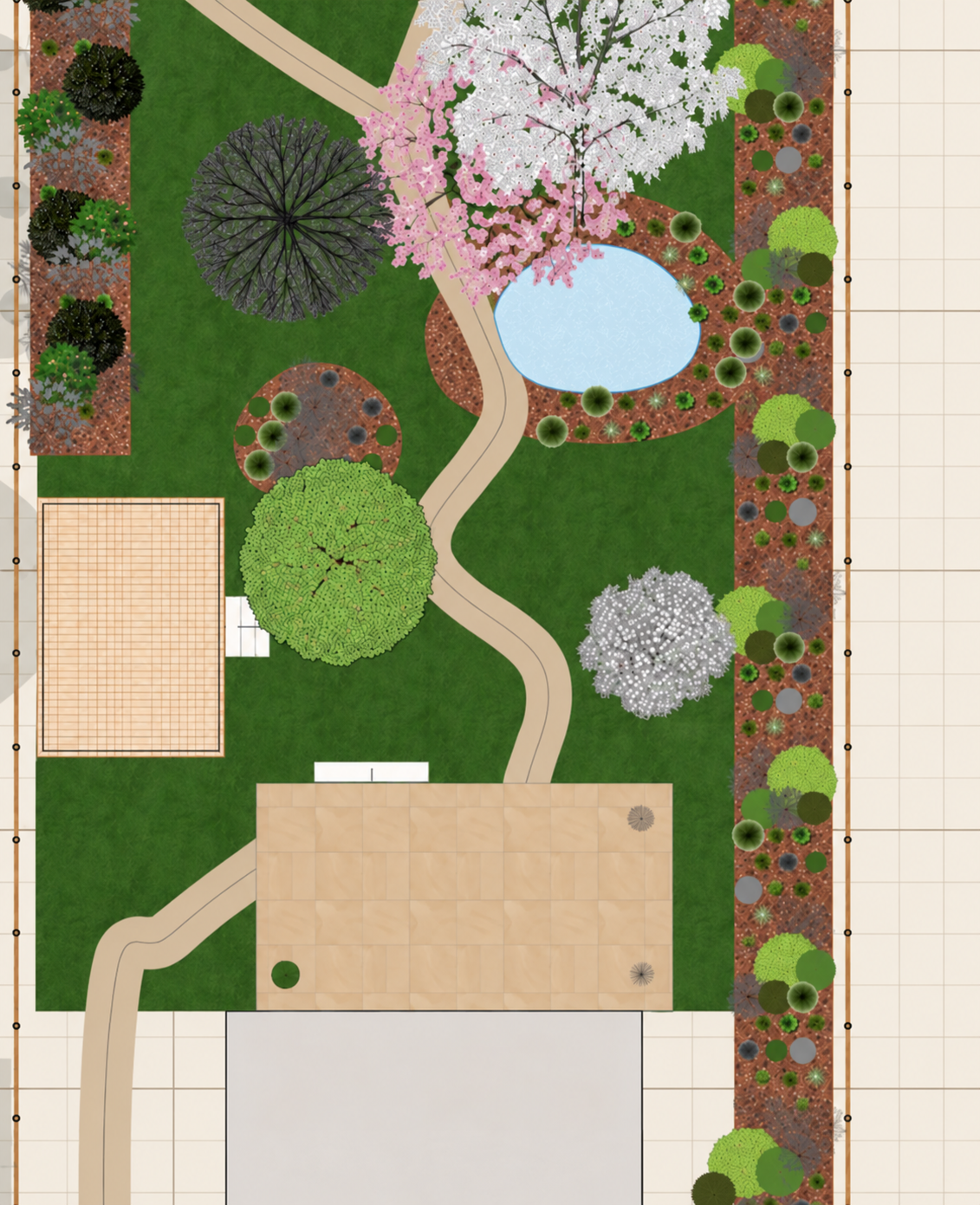
- Custom Hardscape Tools: Easily lay out patios, walkways, decks, fencing, water features, and turf zones with custom pattern fills.
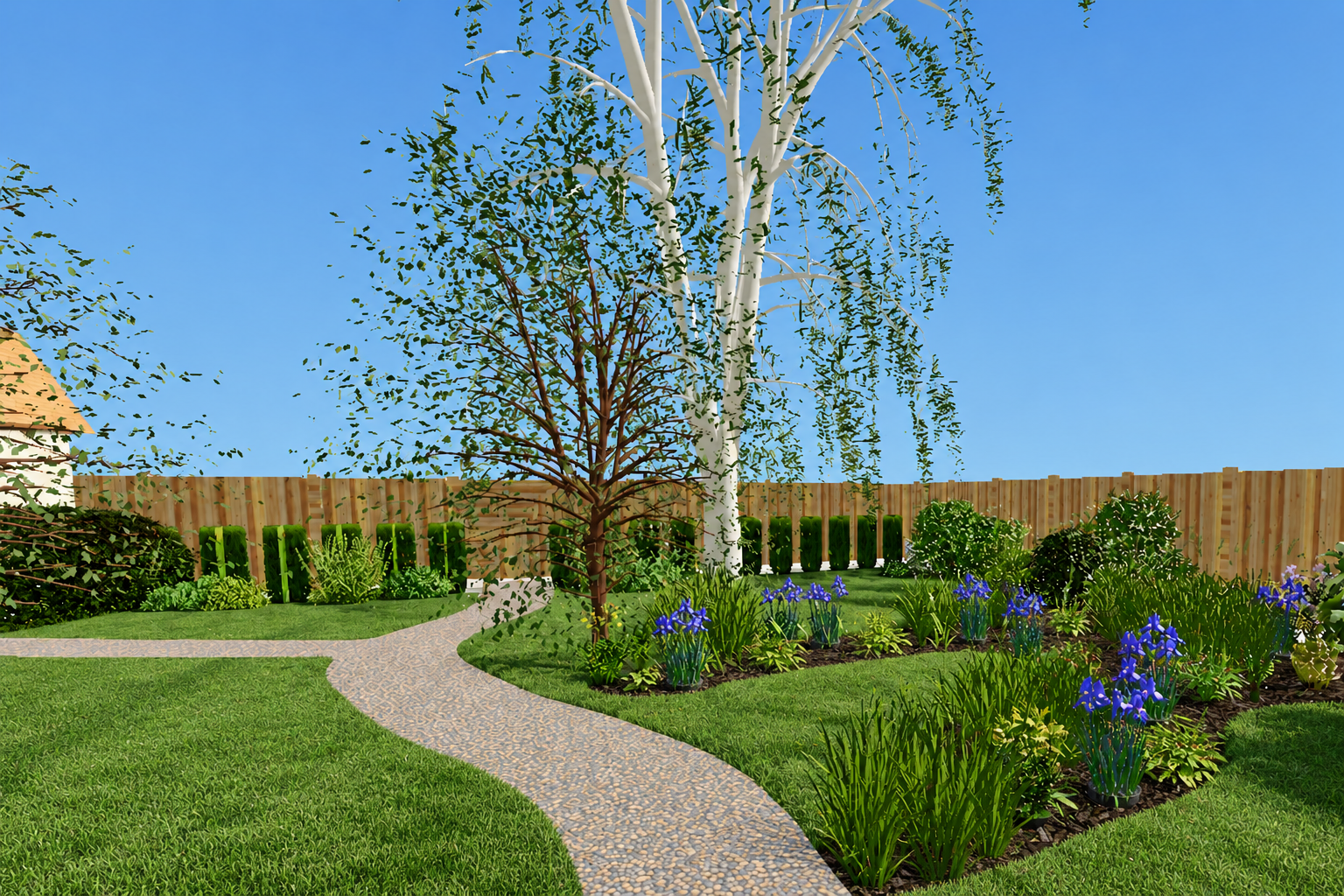
- Instant 3D Site Tours: Convert 2D site layouts into interactive 3D environments where students can walk through their completed designs to evaluate scale, sightlines, and aesthetics.
Teaching Plant Science and Sustainability Through Interactive Design
Unlike generic drafting software, our tool is built around real botanical science. It transforms static drawing into an active study of plant life cycles, microclimates, and sustainable site management.
Interactive Botanical Intelligence
- Dynamic Botanical Library: Access species lists detailing photos, light/soil requirements, cultural notes, and mature height/spread parameters.
- Time-Lapse Plant Growth Modeling: Students don't just place a plant—they advance time forward to observe canopy cover expansion, root space competition, and long-term spacing over 5, 10, or 20 years.
- Sun Pattern & Shadow Studies: Adjust sunlight parameters by date and time of day to evaluate solar trajectories, shade patterns, and microclimate variations across the property.
- USDA Hardiness Zone Verification: Integrated hardiness zone tools help students make region-appropriate, drought-tolerant species selections that align with xeriscaping and sustainable practices.
Real-World Career Readiness: Cost Estimating and Portfolio Creation
We know that in the modern green industry, a successful landscape designer must also master project management, applied math, and commercial bidding. YardCAD reinforces these essential business skills automatically.
Professional Project Workflows
- Automated Material Takeoffs: Generate dynamic schedules that automatically count plant quantities, compute square footage for mulch/sod, and calculate linear footage for edging and fencing. Download csv files to allow for analysis with your favorite spreadsheet software.
- Applied Agriculture Math: Connect site drawings directly to cost estimating, tax calculations, and material budgets, giving students practical experience in commercial bidding.
- Portfolio-Ready PDF Exports: Print to exact engineering or architectural scales, add professional title blocks, and export high-resolution PDFs for student career portfolios or industry credentials.
Seamless Alignment with Our Sustainable Pathway
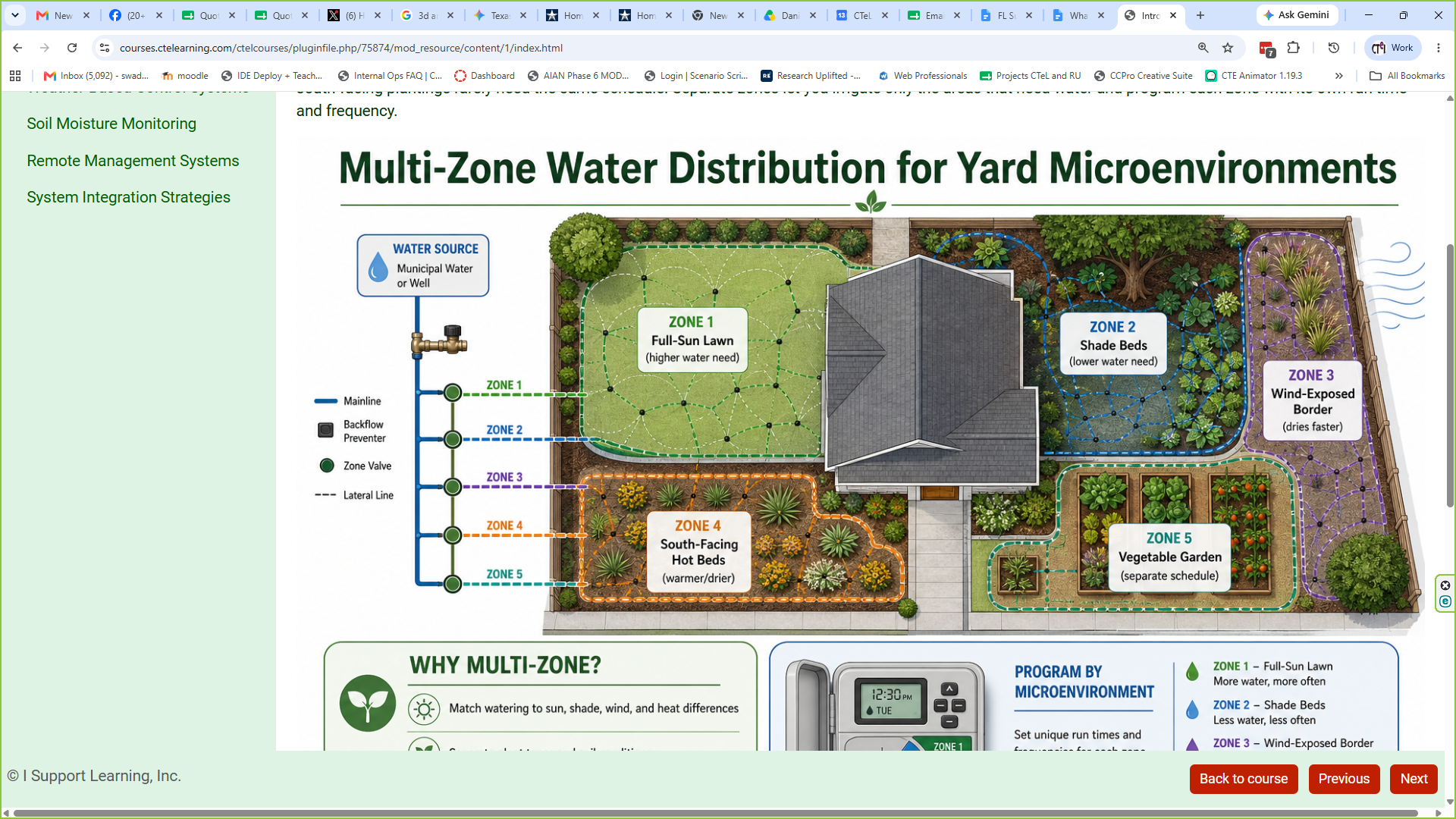
YardCAD is fully integrated into our turnkey Horticulture and Sustainable Landscape Design curriculum. We created this program as a comprehensive "virtual internship," guiding students through plant science, soil management, water conservation, integrated pest management (IPM), irrigation design,and professional ethics.
The curriculum comes with simulators including soil testing, penetrometer, ec salts, pH, static and dynamic water pressure, programming irrigation controller and more. Students can test drive the system and tools of the trade right from the curriculum.
When students tackle challenging projects—such as redesigning a school courtyard, creating an edible landscape, or designing a water-wise residential yard—YardCAD serves as their primary design lab. Our entire course is Perkins V funding eligible and aligns with national standards for Agriculture, Food, and Natural Resources (AFNR) career clusters.
Upgrade Your Ag Classroom with CTeLearning Today
Equip your agriculture and horticulture students with the browser-based software tools they need to master sustainable landscape design.
- Try the Tool: VisitYardCAD.com to explore the interface.
- Schedule a Free Demo: See firsthand how YardCAD and our turnkey curriculum fit into your program.
- Get in Touch with Our Team: Email
hello@CTeLearning.com, call
877-828-1216, or visitCTeLearning.com to request teacher access and course licensing details.
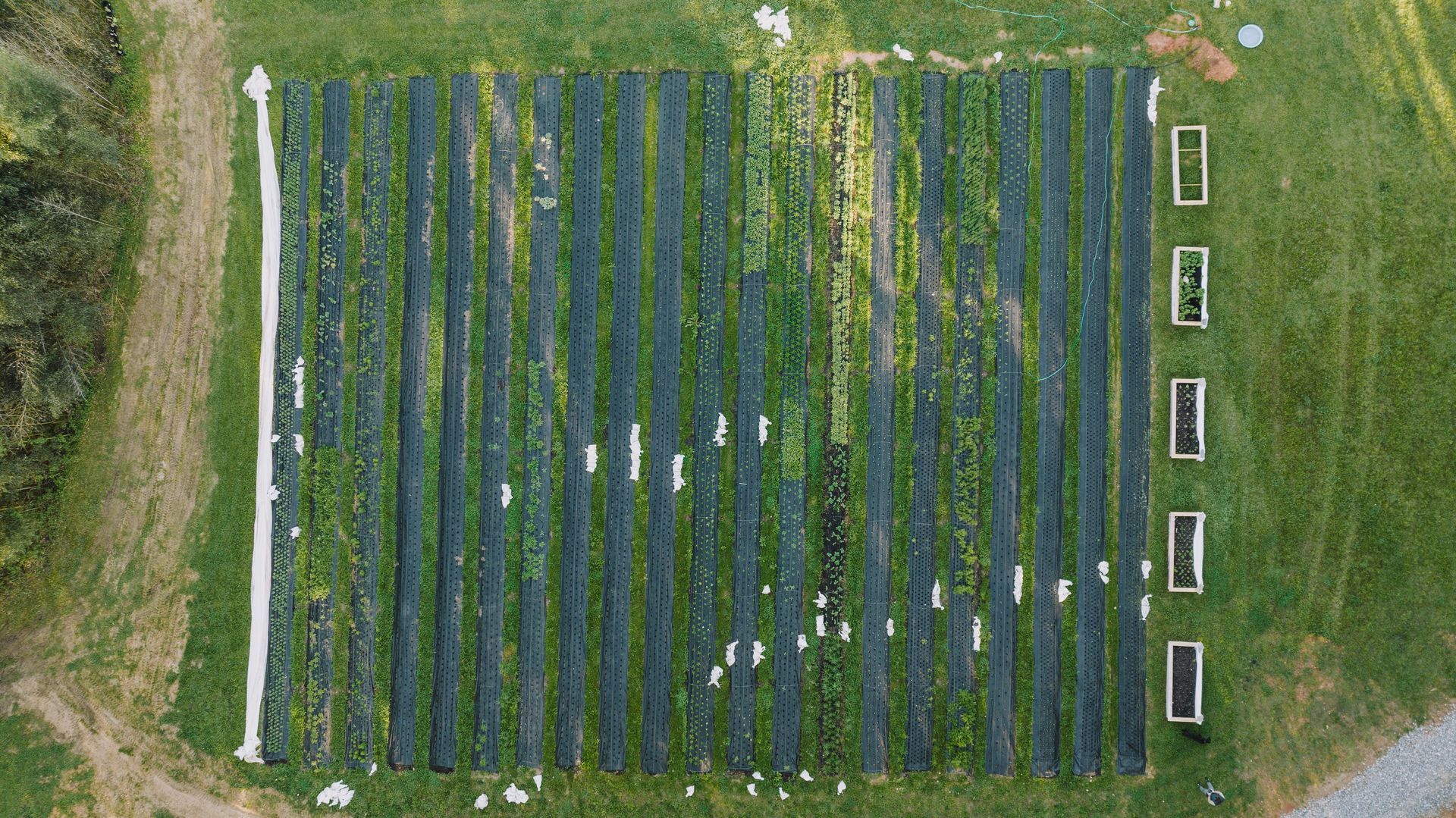
Check out some screenshots of YardCAD below (including one taken on iPad).