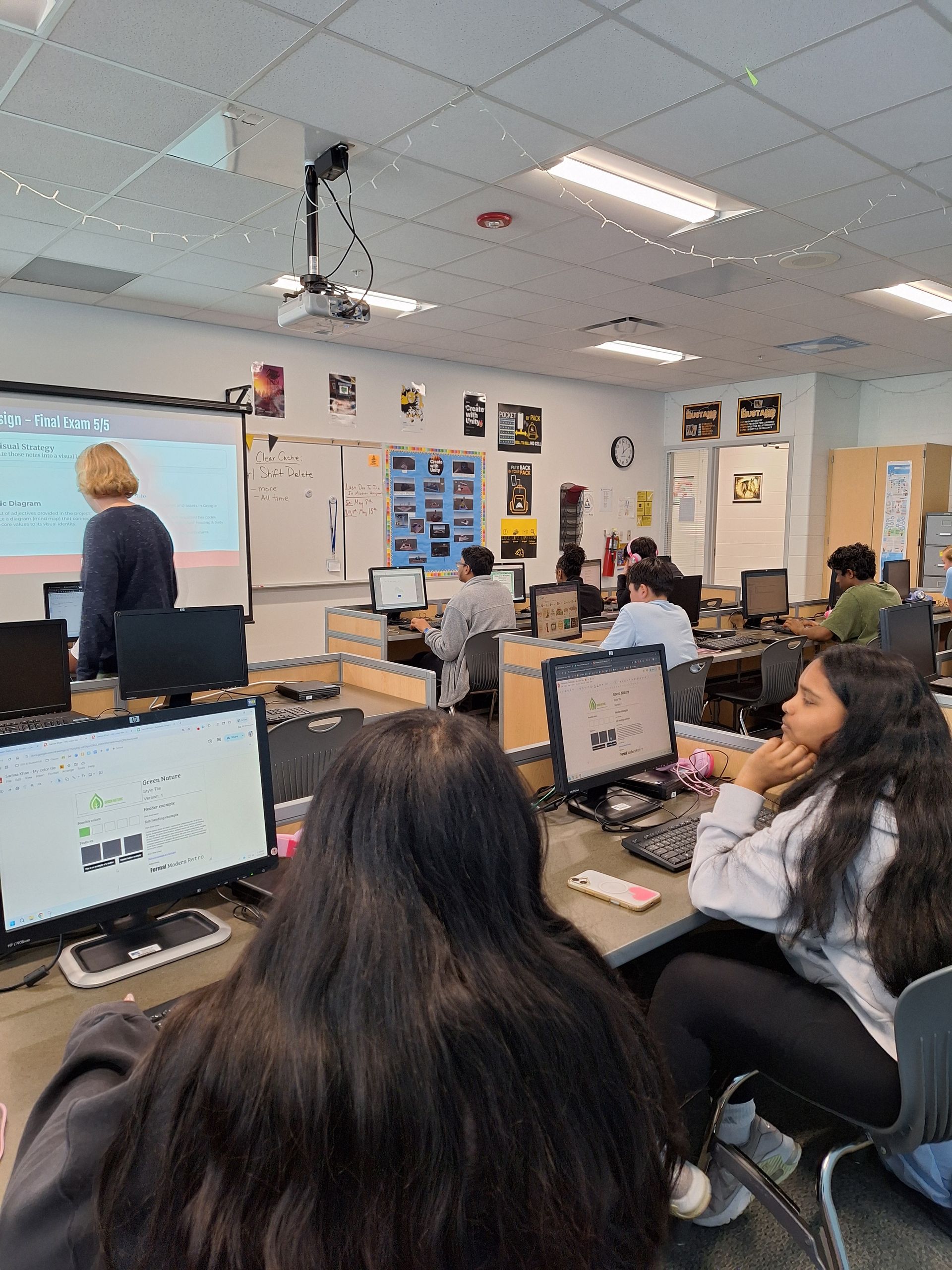
In the modern classroom, "access" is a word that is often thrown around as a synonym for "connectivity." We talk about 1-to-1 device initiatives and high-speed Wi-Fi as if they represent the finish line for digital equity. However, true
Digital Inclusion goes much deeper than the hardware in a student's hands. It is about the architecture of the information itself.
True equity is about ensuring that a student with a visual impairment, a student who navigates via keyboard due to motor-skill challenges, or a student using assistive technology has the exact same opportunity to succeed as any other peer in the lab. At
CTeLearning , we believe that a student's potential should never be limited by their physical abilities. If a student has the drive to become a web designer, a game developer, or an AI specialist, the curriculum should be a bridge, not a barrier. That is why we are proud to announce that
our entire curriculum suite now officially meets
Section 508 and WCAG 2.1 AA standards.
Understanding the Framework: What are 508 and WCAG 2.1 AA?
For school administrators and IT Directors, these codes represent the "Gold Standard" of digital accessibility. They aren't just suggestions; in many cases, they are
federal mandates tied directly to funding eligibility and civil rights compliance .
- Section 508: This is a federal requirement (an amendment to the Rehabilitation Act of 1973) ensuring that all electronic and information technology developed, procured, maintained, or used by the federal government—and by extension, many institutions receiving federal funding—is accessible to people with disabilities.
- WCAG 2.1 AA: The "Web Content Accessibility Guidelines" are the international standard for web accessibility. The "AA" rating means the content is designed to be
POUR : Perceivable, Operable, Understandable, and Robust.
By meeting these standards, CTeLearning ensures that our courses are more than just "functional." They are optimized. Our platforms are now fully compatible with screen readers, offer high-contrast modes for students with low vision, and provide comprehensive keyboard-only navigation for those who cannot use a traditional mouse. This isn't just a "feature"—it is a legal and ethical foundation that ensures no student is left behind in the 2026 digital economy.
The ROI of Accessibility: Beyond Compliance
When a district invests in an accessible curriculum, the Return on Investment (ROI) extends far beyond avoiding a legal audit. Accessibility improves the learning experience for every student in the room.
1. Lower Cognitive Load and Universal Design for Learning (UDL)
Accessible design is, by definition, clean design. By prioritizing clear navigation, consistent heading structures, and high-quality alt-text for every image, we reduce the "background noise" of learning. This follows the principles of
Universal Design for Learning (UDL) , which suggests that what is necessary for some is beneficial for all.
For students with ADHD, dyslexia, or learning processing challenges, a predictable and accessible interface reduces anxiety and "decision fatigue." This allows them to focus entirely on the subject matter—whether that is mastering Python logic or understanding the physics of game design—rather than struggling to figure out how to find the "Submit" button.
2. Hardware Longevity and Performance in the Chromebook Era
In 2026, many districts are stretching their hardware refresh cycles to four or five years. Older Chromebooks and tablets often struggle with modern, "heavy" web applications. Because our accessible curriculum is built on "Lean Code" principles—prioritizing semantic HTML over bloated JavaScript—it requires significantly less processing power.
This means that assistive technologies like text-to-speech software or screen magnifiers can run simultaneously with our courseware without lagging or crashing the device. Accessibility isn't just about the user; it's about making the software respect the hardware it lives on.
3. Grant Eligibility and Perkins V Alignment
Under
Perkins V , districts must demonstrate how they are serving "Special Populations." This includes students with disabilities, individuals from economically disadvantaged families, and students preparing for non-traditional fields.
By deploying a curriculum that is natively 508 compliant, your district can provide documented proof of inclusive practices in your
Comprehensive Local Needs Assessment (CLNA) . This makes your grant applications significantly more competitive when vying for state and federal workforce development funds. When you can show a state auditor that your "Game Design" pathway is accessible to a student using an eye-tracking device, you aren't just teaching a class—you are leading a movement for digital equity.
The 2026 Workforce: A New Standard of Professionalism
The "Digital Divide" is often framed as a gap in access , but in 2026, it has become a gap in readiness . The modern workplace—especially in fields like Web Design and Software Development—now mandates accessibility as a core skill.
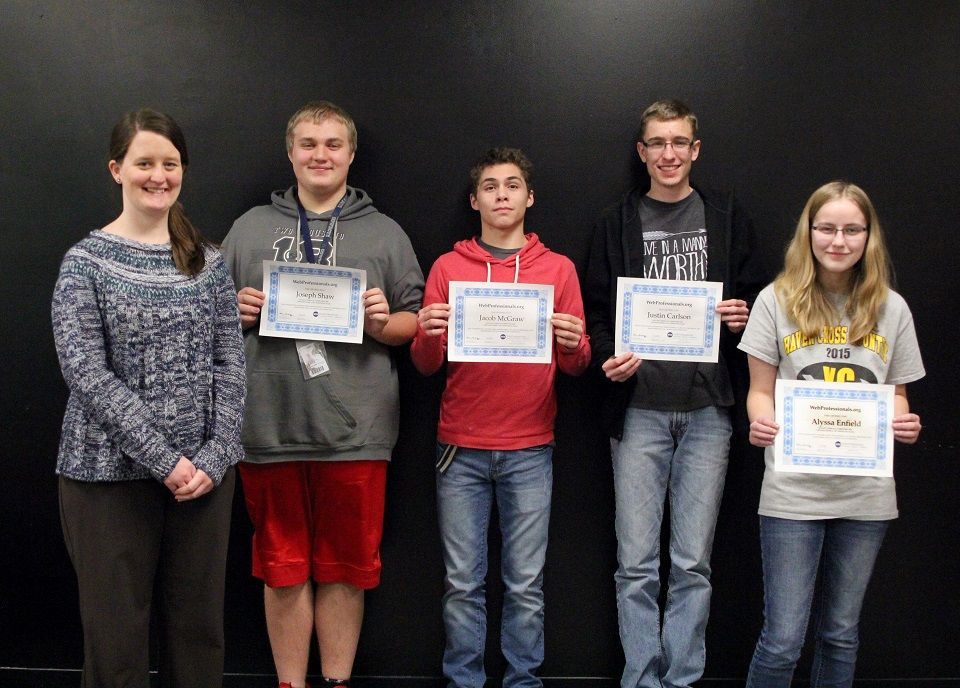
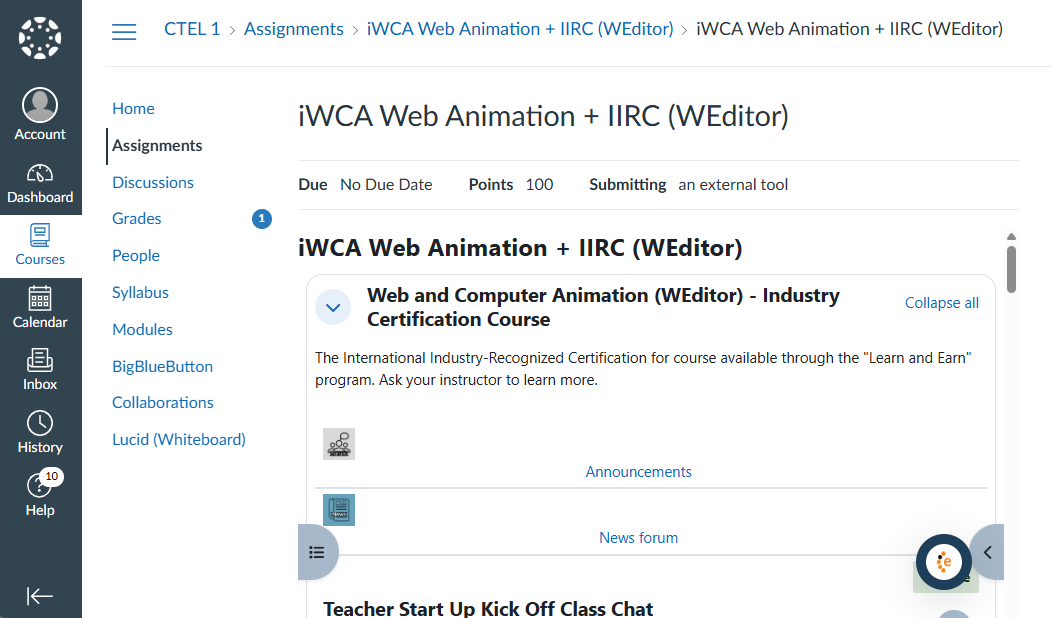
When students learn via CTeLearning’s accessible platform, they aren't just passive users of accessible technology; they are learning the "how" and "why" behind it. Our Web Design, Principles of IT, AI, Ethics and other courses all teach students to use universal design and create for all. We are training the next generation of "Webmasters" and "Digital Architects" to understand that if a product isn't accessible, it isn't finished. This gives CTeLearning students a distinct competitive advantage in the job market, as they enter the workforce already conversant in the legal and ethical requirements of modern tech. Additionally, our courses include integrated certifications backed by our association partner
Web Professionals Global .
The CTeLearning Commitment: A VPAT for Your IT Team
We understand that "Compliance" is a heavy word for IT departments and 504 Coordinators. It involves endless spreadsheets, testing, and risk assessment. That is why we don't just "claim" to be accessible—we provide the evidence.
We provide a
Voluntary Product Accessibility Template (VPAT) for all our courses. This is a technical document that your IT department or Section 504 Coordinator can use to verify exactly how our curriculum meets each specific accessibility requirement (such as screen reader compatibility, color contrast ratios, and session timeouts). It removes the guesswork from the procurement process and provides the "Peace of Mind" that administrators need during the critical Spring buying season.
Strategic Spring Planning: Obligating Perkins V Funds
As districts move into the final quarter of the fiscal year, the pressure to obligate
Perkins V and ESSER-related funds is high. Many administrators find themselves searching for "quick spends," but the most effective use of these funds is in sustainable, high-impact resources that will serve the district for years to come.
Investing in an accessible Career and Technical Education (CTE) pathway ensures that your "Spring Spend" has a long-term impact. Because our curriculum is cloud-based and natively accessible, there is no expensive hardware to maintain and no complicated local installs. You are purchasing a pathway that is ready for the first day of the Fall semester, regardless of the diverse needs of the students who walk through your door.
Ready to Lead the Way in Digital Equity?
The workforce of 2027 will be the most diverse and inclusive in history. It will be a workplace where "Remote Work" and "Digital Collaboration" are the norms, making digital accessibility a fundamental human right. Don't let outdated, inaccessible software limit your students' futures or leave your district vulnerable to compliance issues.
Join the hundreds of districts already preparing their students for success by choosing the curriculum that turns any device into a professional, accessible workstation. Let’s close the digital divide together—not just by handing out devices, but by building pathways that everyone can walk.
Explore our 508-compliant course catalog today and prepare your district for a more inclusive tomorrow.
�55357;�56393;
Visit our Course Catalog
Request Your Free Demo Today:
Read More:
Perkins V Compliance Guide: 2026 CTE Funding & IRC Strategy