SkillsUSA Web Design: The 2026 National Prep Guide
February 27, 2026
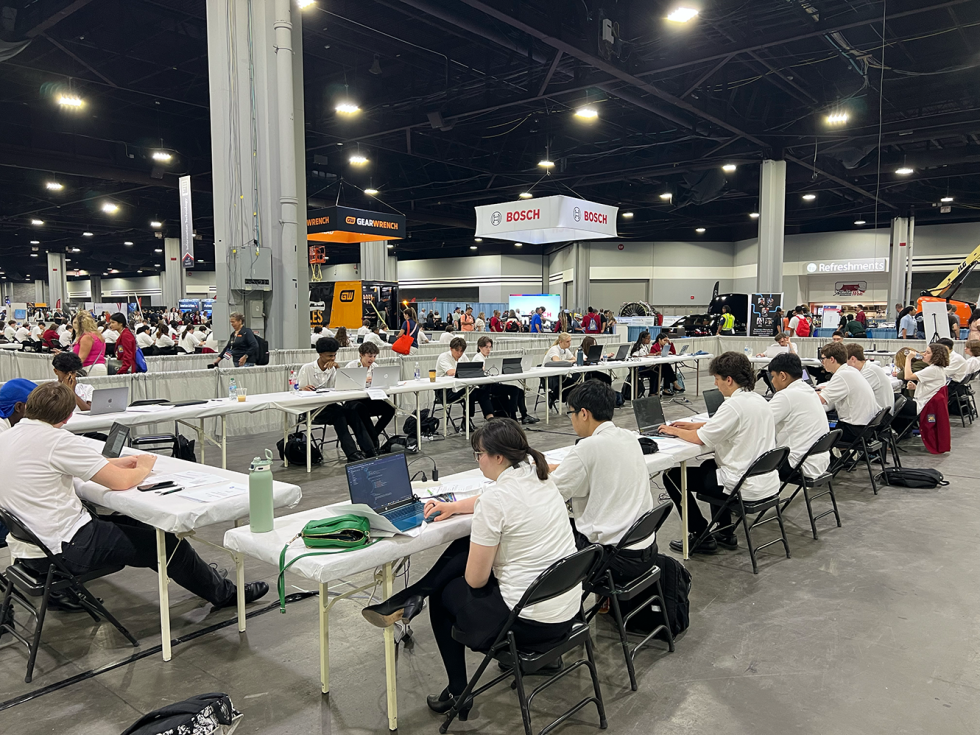
The journey to the
SkillsUSA National Leadership & Skills Conference (NLSC)
in June is the pinnacle of a Career and Technical Education (CTE) student’s year. For the Web Design and Development competition, the stakes are exceptionally high. This is not a simple coding test; it is a high-pressure, professional-level simulation that requires a blend of technical mastery, creative agility, and corporate communication. As states across the nation prepare their gold-medal winners for the national stage, the gap between a "good" state project and a "national-caliber" performance can feel vast.
Leveraging over two decades of experience in facilitating both state and national-level SkillsUSA Web Design and Development competitions, CTeLearning has identified the critical benchmarks that separate the podium finishers from the rest of the field. This guide serves as a roadmap for State Directors, Advisors, and Students to bridge that gap and arrive in June ready to compete at the highest level of industry standards.
For more information about the SkillsUSA competition or our courses , call us at 913-764-4272 or email us at hello@ctelearning.com .
At the National Competition, the challenge intensifies as students are expected to create reactive designs for clients from scratch, strictly without the use of external frameworks like Bootstrap, React or Tailwind. This requirement ensures that competitors possess a deep, fundamental mastery of "vanilla" HTML, CSS and can engineer custom, high-performance solutions tailored to specific client needs. This skill is more critical than ever; as of early 2026, mobile devices account for approximately 64% of all global web traffic . With nearly two-thirds of users accessing the web via smartphones, students must demonstrate that they can build seamless, mobile-first experiences to ensure their clients can effectively reach and engage their target audience.
By the time a student reaches the competition floor, they shouldn't be wondering if their code is "correct"—their certification already proves it is. They are then free to focus on the creativity and problem-solving that wins gold.
Like elite industry professionals, championship teams use every available second to test, refine, and polish their solution. They don't just "finish" the site—they perfect the user experience, hunt for broken links, and ensure the client’s vision is fully realized. If there is time left on the clock, there is still work to be done.
Steve had this to say about his experience working on SkillsUSA competitions: "Running the national competition is always a highlight of the year, but what makes it truly rewarding is the incredible community that comes together to support it. Every year, we are reminded of the power of collaboration as our team of dedicated web professionals—both longtime regulars and fresh faces—steps up to ensure every detail of the event is seamless. It is an honor to witness the competitors bring their best work to the table; the quality and creativity they display speak volumes about the bright future of the web design and development industry. We are also deeply grateful to the SkillsUSA national team, the tireless advisors, and the supportive families who sacrifice so much to make this experience possible. Being part of this event is something everyone should experience at least once—there is nothing quite like the energy of the final awards ceremony to remind you why we do what we do."
The competition is a mirror of the professional world: it is fast, it is demanding, and it rewards those who can bridge the gap between technical code and human design. Whether your state winners bring home a trophy or simply a newfound sense of professional pride, the preparation process facilitated by CTeLearning ensures they are ready for the modern workforce. We look forward to seeing the incredible talent on display this June. Let’s ensure every student arrives with the tools, the code, and the confidence to succeed.
For more information about the SkillsUSA competition or our courses , call us at 913-764-4272 or email us at hello@ctelearning.com .
Click here to read about the 2025 SkillsUSA National Competition.
Leveraging over two decades of experience in facilitating both state and national-level SkillsUSA Web Design and Development competitions, CTeLearning has identified the critical benchmarks that separate the podium finishers from the rest of the field. This guide serves as a roadmap for State Directors, Advisors, and Students to bridge that gap and arrive in June ready to compete at the highest level of industry standards.
For more information about the SkillsUSA competition or our courses , call us at 913-764-4272 or email us at hello@ctelearning.com .
At a Glance: Keys to SkillsUSA Success
- Master the Basics: Prioritize Semantic HTML5 and CSS over frameworks to satisfy "Ground-Up" judging rubrics.
- Project and Time Management: Soft skills that will make or break you at the pressure cooker that is the national event.
- Hardware Equity: Train on browser-based IDEs to mirror the National environment and ensure all students have equal access to coding power.
- Industry Standards: Align curriculum with Web Professionals Global certifications to ensure students meet 2026 technical benchmarks.
Phase 1: Understanding the National "Agency" Model
The most significant hurdle for state winners is often the format of the National Competition itself. At the local or state level, students are often given a prompt and a week—or even a month—to build a site. At Nationals, the environment shifts to a "Day-in-the-Life" agency model where time management is as critical as syntax. In this 2026 landscape, the competition has evolved to reflect the remote and hybrid workflows that dominate the modern tech industry.The Two-Person Team Dynamic
The competition is a team event for a reason. In a professional agency, a designer or developer rarely works in a vacuum. Successful teams divide and conquer effectively. One student typically focuses on the Design and User Experience (UX) —handling wireframes, asset optimization, and accessibility—while the other focuses on the Development and Architecture —writing the semantic HTML5, clean CSS3 and JavaScript (when needed). Communication between these two roles is the foundation of a winning project. State directors should encourage teams to develop a "hand-off" protocol, ensuring the designer provides the developer with all necessary specs before the clock starts ticking too fast.The Client Interview Simulation
One of the unique "Human-in-the-Loop" elements of the SkillsUSA competition is the client interview. Competitors aren't just handed a document; they are introduced to a "client" (a judge acting a role) and given a limited window to ask discovery questions. Students must practice identifying what isn't in the prompt. They should ask about the target audience, the "Call to Action" (CTA), brand voice, and specific business goals. In 2026, judges are increasingly looking for students who can discuss "Project Scope"—identifying what can realistically be accomplished in the 8 hour competition window versus what would be a "Phase 2" development.Phase 2: Technical Mastery and the "No-Framework" Rule
In the modern web era, many students rely on "crutches" like Bootstrap, Tailwind, Templates, or AI-powered site builders. However, the National Technical Committee strictly evaluates the "Ground-Up" knowledge of the students. Reliance on pre-built templates is often a disqualifying factor in the eyes of industry judges.Semantic HTML5
Judges look for clean, meaningful code. This means using <header>, <main>, <footer>, and <section> tags correctly. A site that looks beautiful but is built entirely with <div> tags will lose significant points.Modern CSS Grid/Flexbox
Students should be comfortable with modern layout techniques like CSS Grid and Flexbox. Grid is essential for the overall page structure, while Flexbox handles the alignment of items within those structures. In the 2026 competition, we are seeing a focus on "Fluid Typography" and "Logical Properties," which allow sites to adapt to internationalization and different device scales more elegantly than traditional fixed-pixel designs.At the National Competition, the challenge intensifies as students are expected to create reactive designs for clients from scratch, strictly without the use of external frameworks like Bootstrap, React or Tailwind. This requirement ensures that competitors possess a deep, fundamental mastery of "vanilla" HTML, CSS and can engineer custom, high-performance solutions tailored to specific client needs. This skill is more critical than ever; as of early 2026, mobile devices account for approximately 64% of all global web traffic . With nearly two-thirds of users accessing the web via smartphones, students must demonstrate that they can build seamless, mobile-first experiences to ensure their clients can effectively reach and engage their target audience.
Accessibility (A11y) and WCAG 2.2 Standards
Web accessibility is now a core requirement of the scoring rubric. National competitors must ensure their sites are compliant with WCAG 2.2 standards. This includes:- Focus Indicators: If a judge cannot see where they are on a page when using the "Tab" key, points are deducted.
- Target Size: Ensuring buttons and links are large enough for mobile users to tap comfortably.
- Aria-Labels: Using proper labeling for icons that don't have accompanying text.
- Contrast Ratios: Maintaining a minimum of 4.5:1 for normal text to ensure readability for users with visual impairments.
Phase 3: The Integrated Design Workflow
Design is often where points are won or lost before a single line of code is written. The National Competition rewards a disciplined, documented design process that proves the students didn't just "guess" their way to a layout.Wireframing and Content Strategy
Teams must produce wireframes that show the "bones" of the site. At Nationals, there is often a "wrinkle" where teams may be given a professional wireframe mid-competition and told to pivot. This tests their ability to follow agency-level directions rather than just their own preferences. Practice "Pivot Drills" where students must change a layout significantly halfway through a timed session. This teaches them to separate their code from their content , a hallmark of a professional developer. Oh and having to change mid project, well that is very real-world.Asset Optimization and SVG Usage
The competition provides "raw" assets—high-resolution photos that are 5MB+ or logos in the wrong aspect ratio. National winners know how to use tools to crop, compress, and format these images for the web. In 2026, the use of SVG (Scalable Vector Graphics) for logos and icons is expected. SVGs ensure that branding remains crisp on high-density "Retina" displays without adding the weight of a traditional PNG or JPEG.Phase 4: Establishing a National-Caliber Training Environment
States that consistently send high-performing teams to Nationals often share a common thread: they utilize a standardized learning and testing environment that mirrors the professional world throughout the school year.Browser-Based Agility and Hardware Equity
One of the biggest stressors at Nationals is the coding environment. Students who are used to a specific desktop software can panic when faced with a different setup. Practicing in browser-based, cloud-native environments is the best way to prepare for the unpredictable hardware at a national conference. This approach also ensures Hardware Equity , allowing students in rural districts to develop the same high-level coding skills as those in well-funded tech hubs. When the tools are in the cloud, the focus shifts back to the student's logic rather than the computer's processor speed.The "Teacher as Facilitator" Model
In many CTE programs, the instructor may not be a professional web developer. This should not be a barrier to national success. By using a curriculum that provides automated grading, real-time code previews, and industry-standard feedback, the teacher can move from "lecturer" to "facilitator." Their role becomes one of a Project Manager—guiding the students through deadlines and teamwork hurdles while the curriculum handles the technical deep-dives. The curriculum guides students through project management and the teacher helps the students think about time management. This mirrors the management structure students will encounter in the workforce.Phase 5: The "New for 2026" Requirements
The competition standards are updated annually to keep pace with the industry. For 2026, there are critical updates that state advisors must integrate into their local preparation to ensure their winners aren't caught off guard.The Digital Portfolio and Process Documentation
Beginning this year, teams are expected to maintain a digital portfolio that documents their process. This isn't just a gallery of finished work; it is a "Work-in-Progress" log. Judges want to see how the team handled a technical bug or a design conflict. Students should be building these portfolios throughout the year, using every class project as a piece of evidence for their skills.AI Ethics and Prompt Engineering
While the use of AI for direct code generation is currently prohibited in most SkillsUSA technical standards to ensure foundational mastery, 2026 rubrics are beginning to evaluate "AI Ethics." Students must understand the difference between using an AI as a brainstorming partner (for color palettes or content ideas) and using it to bypass the learning process. Competitors who can explain the logic behind their code—rather than just saying "the computer did it"—will always score higher in the interview phase.Phase 6: The State Director’s Checklist for June
To ensure your state representatives are ready to walk across that stage in June, State Directors and Advisors should facilitate the following milestones:Timed Mock Competitions
Run a "Four-Hour Sprint." Give students a client prompt at 8:00 AM and require a finished, responsive, three-page site by Noon. The Web Professionals Global Organization will provide state competitions with a turnkey state competition package . This helps states run a model of the National Competition, better preparing their state teams for the 'big show' in Atlanta.Technical Pre-Testing
We strongly encourage students to validate their skills before the state event. Passing a formal certification provides a massive confidence boost and ensures they have the technical baseline required for National-level rigors. Students can choose from two premier options:- Direct Industry Examination: Students can sit for the Certified Web Designer (CWD) credential directly through WebProfessionalsGlobal.org . This high-stakes, industry-recognized exam (IRC) proves mastery of professional standards in design, accessibility, and code.
- The "Learn and Earn" Partnership: Students can take advantage of the unique partnership between Web Professionals Global and CTeLearning . This approach integrates learning with certification, allowing students to earn their professional credentials incrementally as they progress through their project-based curriculum.
By the time a student reaches the competition floor, they shouldn't be wondering if their code is "correct"—their certification already proves it is. They are then free to focus on the creativity and problem-solving that wins gold.
- Team Interview Practice: Set up a panel of local business leaders to grill the students on their project. Can they explain why they chose a specific navigation pattern? Can they justify their color choices based on the client's target demographic? Do they understand their own motivations as web designers?
Phase 7: The Championship Mindset—Professionalism in the Trenches
Beyond the code and the wireframes, there is a distinct behavioral pattern shared by every national medalist. Success in June isn't just about what you know; it’s about how you show up.Analog Tools in a Digital World
While the final product is digital, the best ideas often begin on paper. Competitors should arrive with pencils, paper, and a mindset ready for active listening. The ability to sketch out rapid-fire ideas during the client interview is what allows a team to move quickly once they sit down at the keyboard. High-level professionals don't start coding immediately; they map the journey first.Radical Focus and Professional Endurance
The na tional stage is loud and distracting. Teams that reach the podium are those that put their phones down, tune out the noise, and commit to the clock. One of the most telling statistics from years of judging is this: No top-three team has ever left the floor before the competition was officially over.Like elite industry professionals, championship teams use every available second to test, refine, and polish their solution. They don't just "finish" the site—they perfect the user experience, hunt for broken links, and ensure the client’s vision is fully realized. If there is time left on the clock, there is still work to be done.
Disclaimer and Official Resources
Our founder and lead developer, Steve Waddell, has had the privilege of volunteering with SkillsUSA judging since 2006 and serving as a member of the Web Design and Development event committee since 2011. While the insights provided in this guide are based on decades of experience in the trenches of the competition, they represent personal professional opinions and do not constitute the official stance of the Competitive Event Team. For official rules and requirements, all students and advisors must strictly review the SkillsUSA Championships Technical Standards . Members can access these standards by navigating here .Steve had this to say about his experience working on SkillsUSA competitions: "Running the national competition is always a highlight of the year, but what makes it truly rewarding is the incredible community that comes together to support it. Every year, we are reminded of the power of collaboration as our team of dedicated web professionals—both longtime regulars and fresh faces—steps up to ensure every detail of the event is seamless. It is an honor to witness the competitors bring their best work to the table; the quality and creativity they display speak volumes about the bright future of the web design and development industry. We are also deeply grateful to the SkillsUSA national team, the tireless advisors, and the supportive families who sacrifice so much to make this experience possible. Being part of this event is something everyone should experience at least once—there is nothing quite like the energy of the final awards ceremony to remind you why we do what we do."
Conclusion
While every student dreams of a national gold medal, the true value of the SkillsUSA Web Design and Development competition is the career readiness it instills. By preparing through a rigorous, industry-aligned curriculum like the ones developed by CTeLearning, students aren't just getting ready for a competition in June—they are getting ready for a career in July. Our web design curriculum is specifically engineered to prepare students for this exact challenge, embedding the technical standards and "soft skill" requirements of the SkillsUSA competition into every lesson.The competition is a mirror of the professional world: it is fast, it is demanding, and it rewards those who can bridge the gap between technical code and human design. Whether your state winners bring home a trophy or simply a newfound sense of professional pride, the preparation process facilitated by CTeLearning ensures they are ready for the modern workforce. We look forward to seeing the incredible talent on display this June. Let’s ensure every student arrives with the tools, the code, and the confidence to succeed.
For more information about the SkillsUSA competition or our courses , call us at 913-764-4272 or email us at hello@ctelearning.com .
Click here to read about the 2025 SkillsUSA National Competition.
Recent Posts

By Steve Waddell
•
October 8, 2026
Discover YardCAD by CTeLearning—browser-based 2D drafting, 3D walkthroughs, and plant growth modeling for high school horticulture and ag science pathways.

September 17, 2026
Discover how portfolio-first CTE credentials provide proof of work, bridging the gap between classroom learning and career readiness for students.
By Steve Waddell
•
September 10, 2026
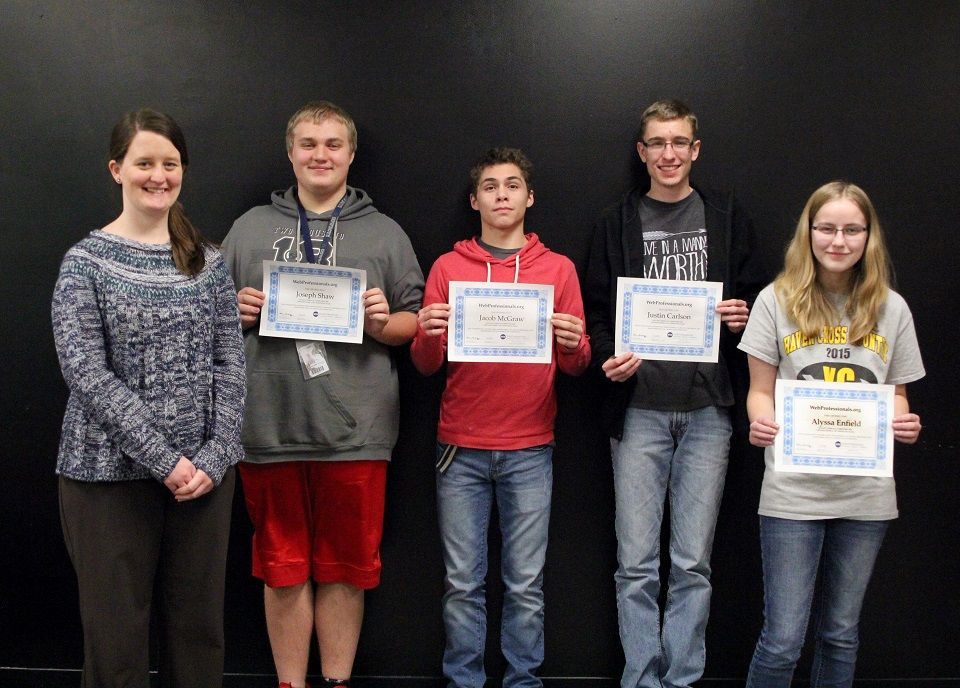
Prepare high school students for modern careers with CTeLearning’s universal micro-credentials in AI and ethics in the workplace. Free demo available.
By Steve Waddell
•
September 3, 2026
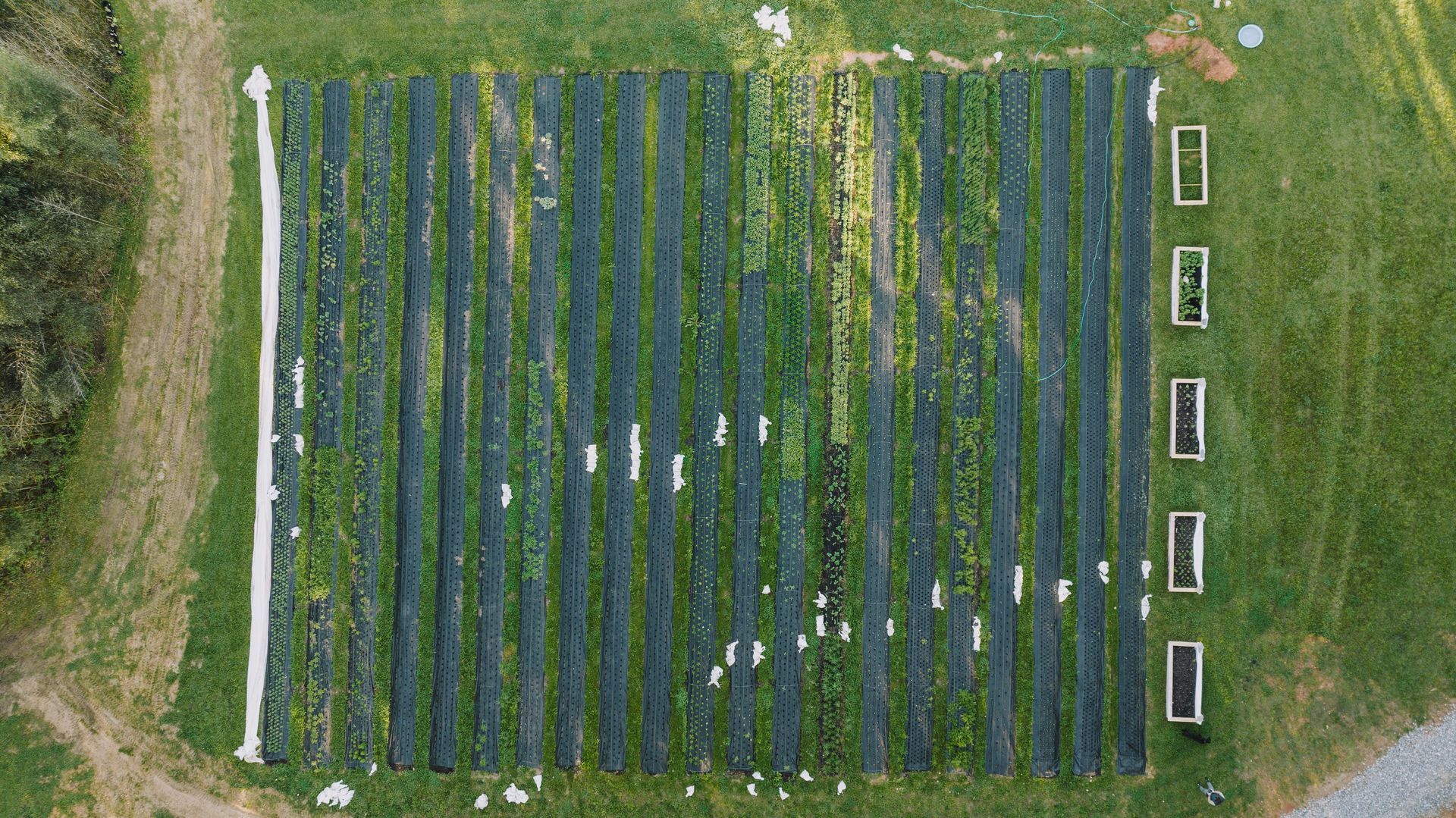
CTeLearning launches an 18-lesson Agriculture Math module for Horticulture & Landscape Design. Discover turn-key, real-world math for Ag Ed classrooms.

By Steve Waddell
•
August 27, 2026
Discover how rural school districts deliver high-tech CTE, satisfy Perkins V mandates, and support multi-prep teachers using browser-native courseware.
By Steve Waddell
•
August 13, 2026
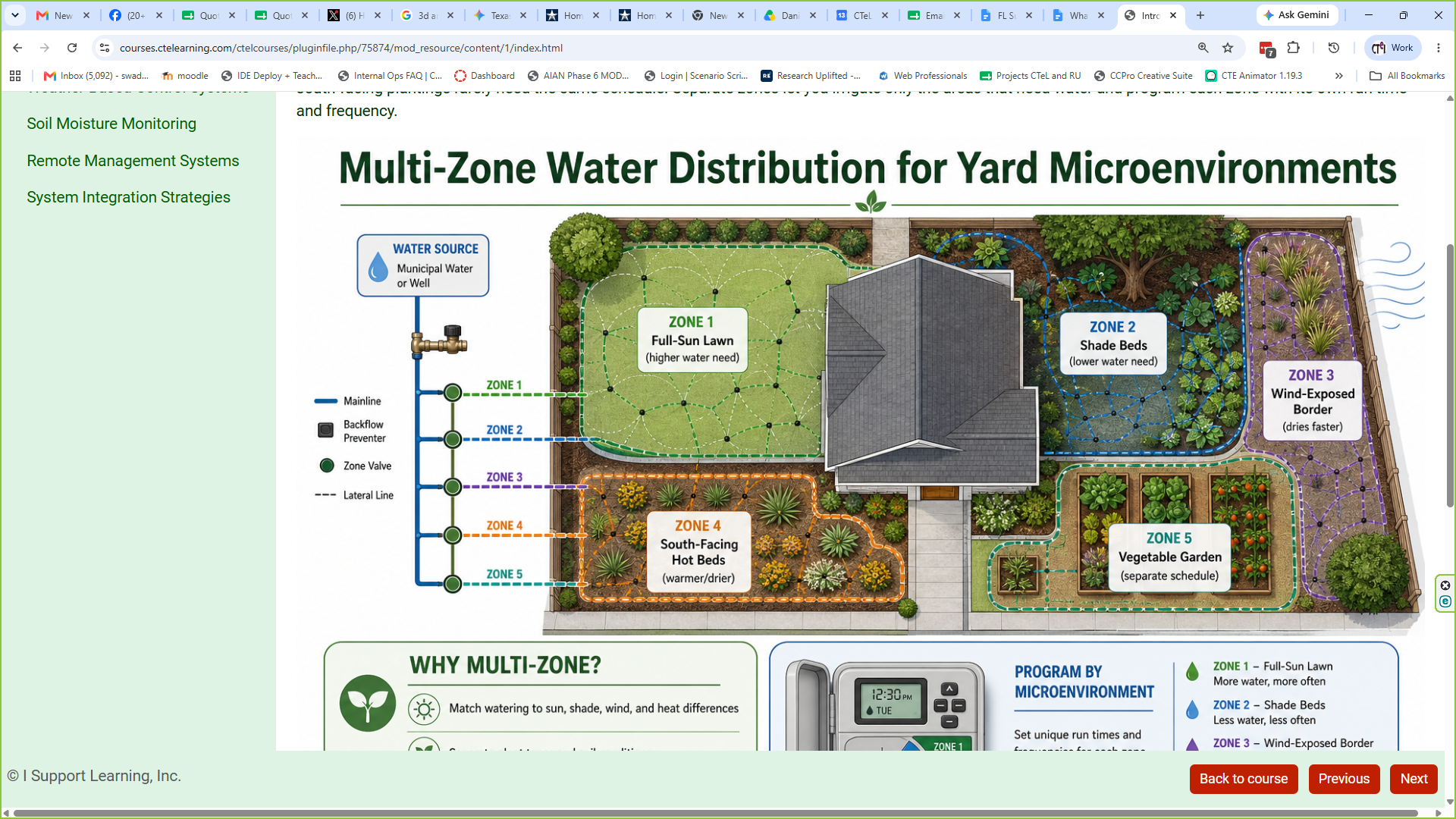
Explore the August 2026 updates to CTeLearning’s Horticulture and Sustainable Landscape Design course. Turnkey, Chromebook-ready, and Perkins V aligned curriculum.
By Steve Waddell
•
August 7, 2026
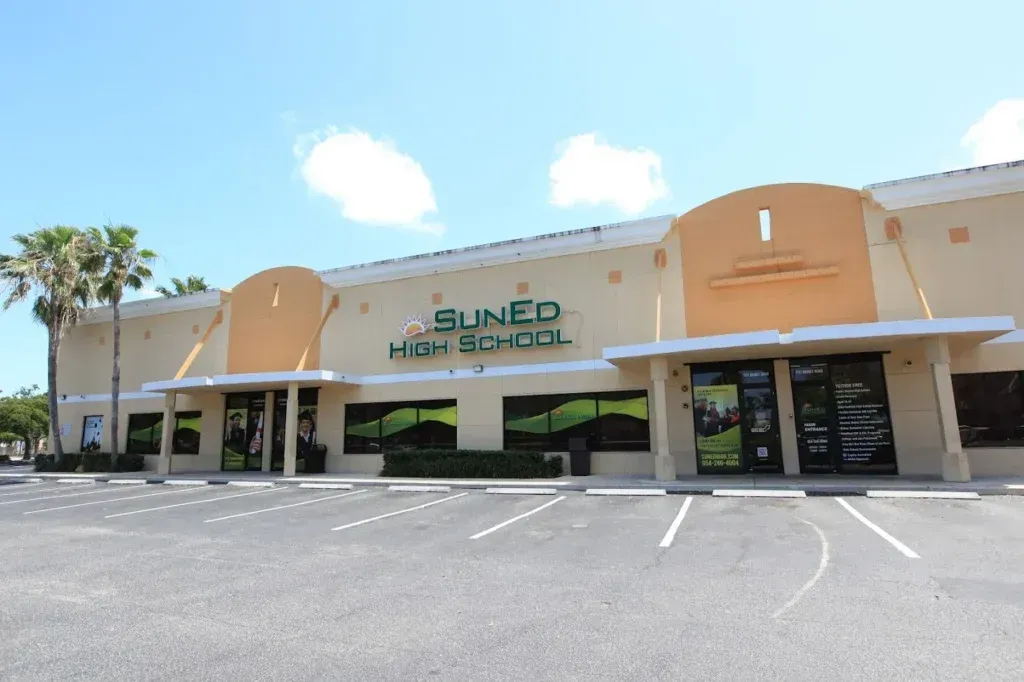
Discover how SunEd High scaled CTeLearning's AI course to 700 students, preparing CTE graduates with Web Professionals Global credentials. Read the story.
By Steve Waddell
•
August 5, 2026
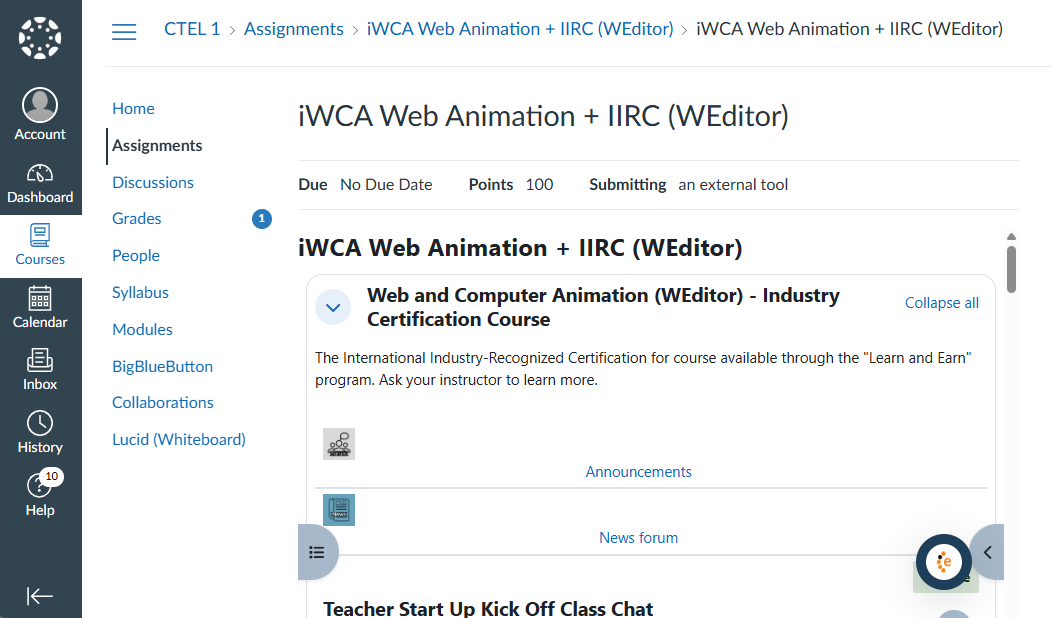
CTeLearning now offers full Canvas-compatible CTE curriculum with LTI 1.3 integration. Learn what it means for your district.
By Steve Waddell
•
August 4, 2026
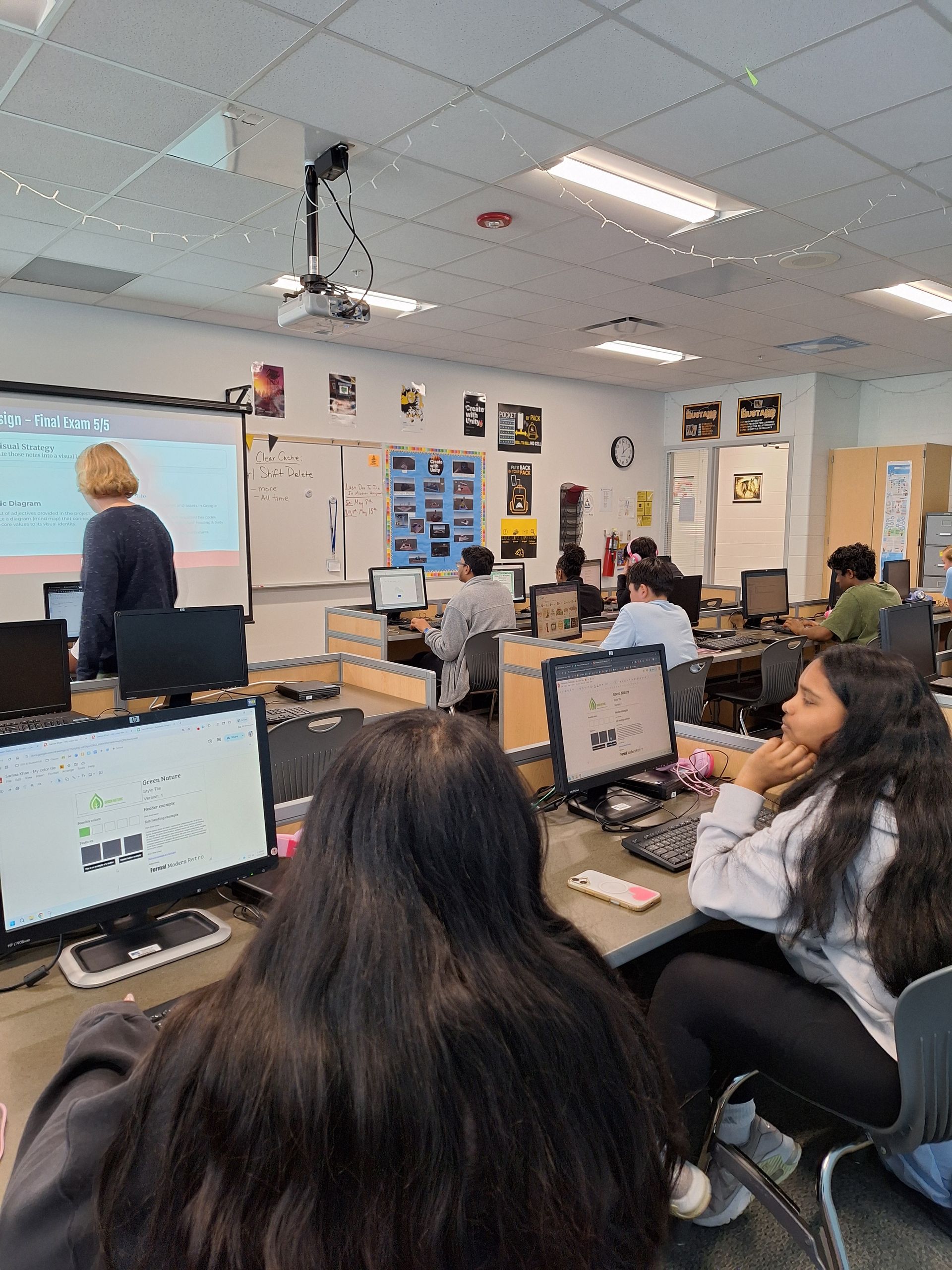
Discover how Metea Valley High School senior Ashley gained real-world marketing experience and captured classroom media through CTeLearning's web design internship.
By Steve Waddell
•
July 24, 2026
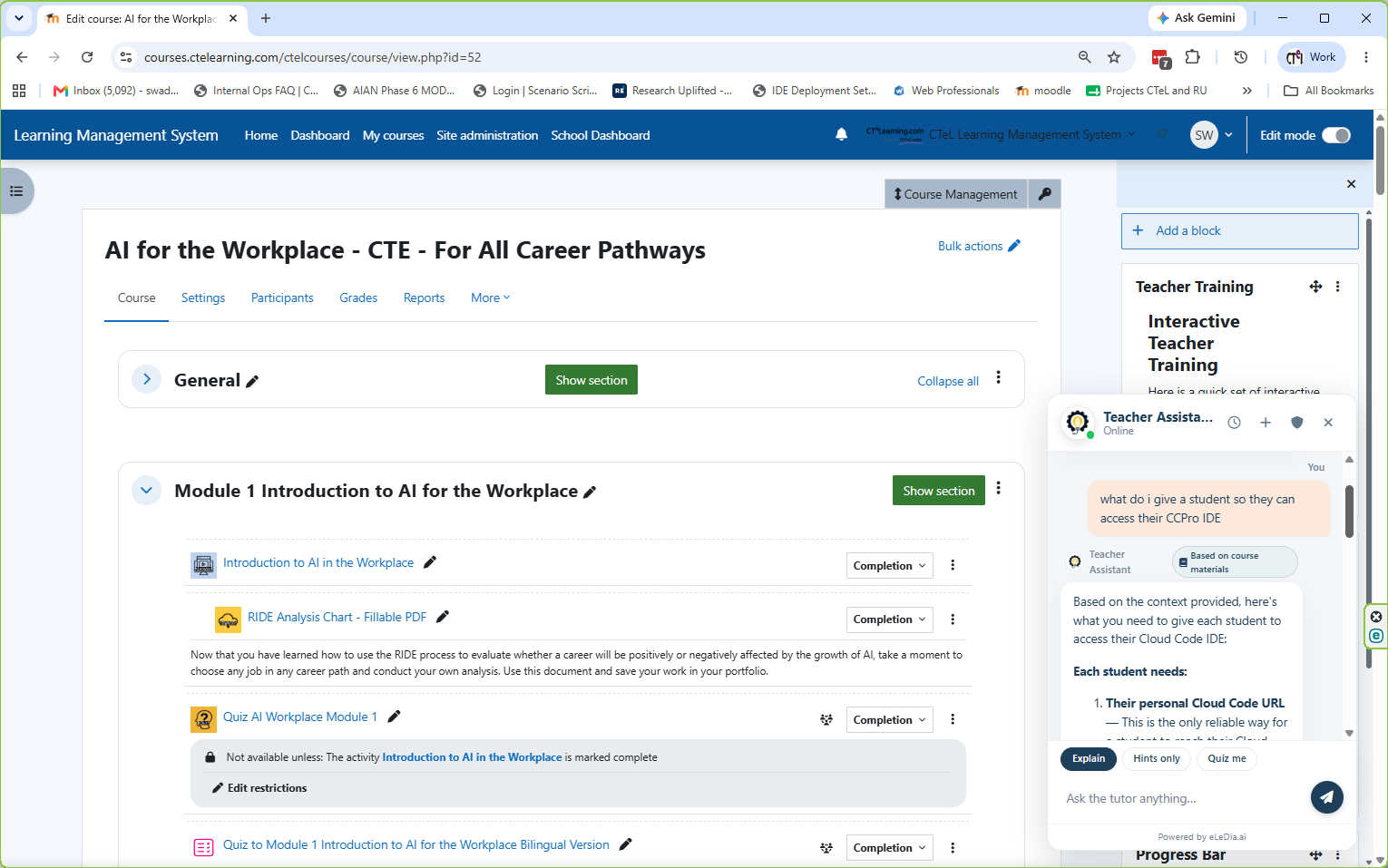
Discover CTeLearning’s new AI Teacher Assist. Deliver instant, 24/7 answers to student questions with zero downtime across all of our courses.