Blog
Achieving Hardware Equity in 2026 CTE Education
Redefining access in career and technical education through device neutrality and cloud-native curriculum standards
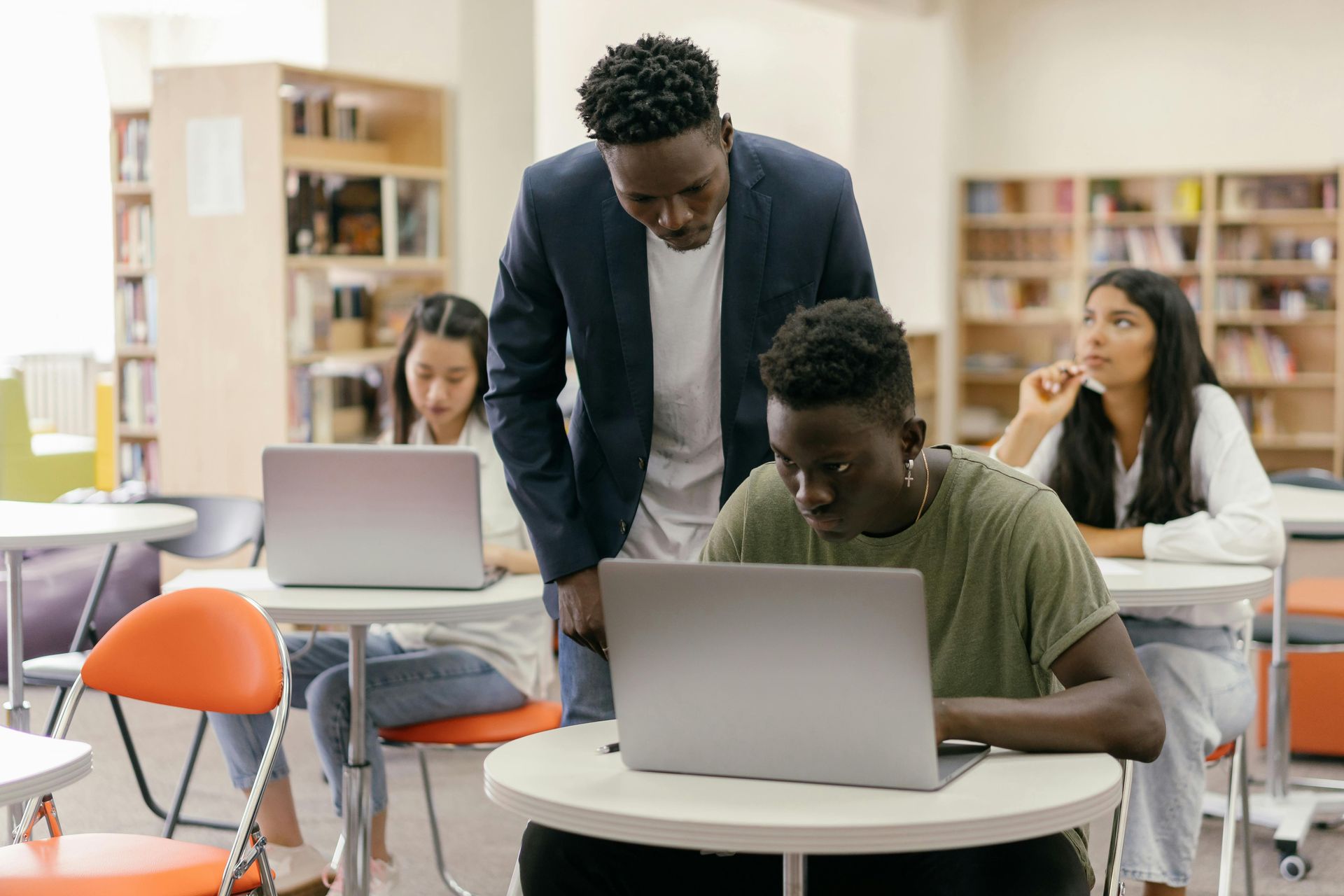
In the winter of 2026, the educational landscape stands at a crossroads. For over a decade, we have discussed the "Digital Divide" primarily through the lens of internet connectivity. We asked, “Does the student have Wi-Fi at home?” While that remains a vital question, a more insidious barrier has emerged in the era of high-performance Career and Technical Education (CTE): Hardware Equity.
Today, a student’s career potential is often unfairly capped not by their intelligence or drive, but by the processing power of the device sitting on their desk. In 2026, true equity means providing a world-class STEM experience that doesn't crash on a low-spec machine and doesn't require a dedicated IT team to manage. The hardware in a student's hands should be a portal to opportunity, not a barrier to entry.
The New Digital Divide: Hardware as a Gatekeeper
The traditional model of technical education relied on "Heavy Software"—resource-intensive applications for animation, game design, and engineering that required $2,000 workstations to operate. If a curriculum requires a specialized lab to run, it isn't just teaching technology; it is gatekeeping it. When high-level technical skills are reserved only for those with access to expensive local hardware, we create a tiered system of opportunity. In 2026, we are seeing a shift toward democratizing these tools, ensuring that a student on a $300 Chromebook has the same shot at a 94% industry certification pass rate as a student in a private academy.
The Myth of the "High-End Lab"
For decades, the industry standard was the "Boom and Bust" cycle of hardware. A school would receive a one-time grant, buy thirty high-end workstations, and launch a brilliant new animation program. Three to five years later, the grant is gone, the hardware is obsolete, and the software updates no longer run on the aging processors. The program dies, leaving behind an expensive "computer graveyard."
In 2026, the industry has moved on. Professional web technologies, modern animation tools, and even game engines have shifted toward cloud-native and browser-based environments. At CTeLearning, we have leaned into this shift to support school budgets and IT departments. Our proprietary tools, such as CTEAnimator, are designed to run entirely in the browser. This ensures that the quality of the education is independent of the cost of the machine.
Deep Analysis: The "Zero-Friction" IT Strategy
Modern school IT departments are more overstretched than ever. Between managing cybersecurity threats and supporting the rollout of AI literacy tools, they simply do not have the bandwidth to troubleshoot local software installs on 5,000 different devices.
1. Zero Installation, Zero Headache
Browser-based learning means zero "pushing" of software from the central IT office. There are no registry errors, no DLL conflicts, and no "admin rights" hurdles for students. When a student logs into their CTeLearning portal, the software is already there, updated to the latest version, and ready to go. This "zero-touch" deployment model is the gold standard for 2026 school infrastructure.
2. Radical Device Neutrality
Whether a student is on a Chromebook, a MacBook, or a five-year-old PC, the experience is identical. This removes the "it doesn't work on my computer" excuse that has historically plagued STEM classrooms. Teachers are liberated to focus on instruction and mentorship rather than acting as "de-facto" IT support agents. In a device-neutral environment, the pedagogy remains consistent regardless of the silicon under the hood.
3. Sustainability and TCO (Total Cost of Ownership)
By moving to browser-based curriculum, districts can extend the "educational life" of their current hardware fleet by 24–36 months. Total Cost of Ownership is drastically reduced because schools are no longer paying for high-end GPUs or massive RAM upgrades. This allows administrators to reallocate capital expenditure funds toward Teacher Professional Development or Student Certification Fees, creating a more sustainable financial model for the long term.
Real-World Industry Standards in a Browser
A common misconception in 2026 is that "Browser-Based" means "Watered Down." This couldn't be further from the truth. The modern web is built on the web. Professional developers at Google, Netflix, and Amazon use browser-based IDEs and cloud-computing environments as their daily drivers.
By teaching students to build within the browser, you are teaching them Cloud-Native Proficiency—a skill that is arguably more valuable in the 2026 workplace than knowing how to navigate a local file directory on a Windows PC. Our curriculum ensures that students are meeting rigorous standards set by industry professionals. They are learning:
- Responsive Design: Building sites that work on everything from a 4K monitor to a smartphone.
- WCAG 2.2 Accessibility: Ensuring digital content is usable for everyone, including those with disabilities.
- Semantic HTML5 & CSS4: Mastering the latest native browser capabilities that have reduced the need for bloated third-party libraries.
- Cloud-Native Logic: Managing assets and code in distributed environments, mirroring how modern tech giants operate.
These are the skills that lead to high-wage, high-demand careers, regardless of whether the student is working on a library computer or a high-end rig.
The "Anywhere, Anytime" Learning Model
Hardware equity isn't just about what happens in the classroom; it's about what happens at the kitchen table. If a student can only work on their projects in a specific school lab, their learning time is capped by the school bell. This disproportionately affects students who have part-time jobs, family responsibilities, or lack transportation.
By using device-neutral pathways, students can start an animation project on a district PC during 2nd period and finish it on a Chromebook at the library that evening. This flexibility is essential for rural students who spend hours on a bus. This model mirrors the modern remote-work economy, preparing students for the reality of professional life in 2026, where "where" you work is less important than "what" you produce. This "fluid classroom" concept is a cornerstone of modern educational equity.
Fostering Professional Identity and Accessibility
A student shouldn't have to wait until college to feel like a "Professional." When a student realizes they can build a functional video game or a professional-grade animation on the same Chromebook they use for English class, their self-efficacy skyrockets. They no longer see STEM as something "other people" do in "fancy labs"—they see it as a career path that is accessible to them, right now.
This accessibility is particularly critical for Middle School Career Exploration. If we want students to enter high school CTE pathways, we must give them a "win" early on. By removing hardware as a barrier, we ensure that every student, regardless of their family's economic status, has a seat at the table of the 2026 tech economy. We are essentially democratizing the tools of production, moving from an elitist model of STEM to a populist one.
Fiscal Responsibility and Grant Justification
For administrators, "Hardware Equity" is a powerful narrative for Perkins V grant applications and school board presentations. When applying for federal funds or local technology levies, you can prove that you are maximizing every dollar by choosing sustainable technology that works on existing district assets.
Instead of asking for a $100,000 hardware refresh every three years, you are investing in a curriculum that remains current regardless of hardware shifts. This fiscal responsibility appeals to taxpayers and auditors alike. It changes the conversation from "How much hardware do we need to buy?" to "How many students can we certify this year?" In 2026, the answer should always be "every student," not just the few who have access to a specialized lab. This shift in metric—from hardware inventory to student certification—is a hallmark of a high-performing district.
The Role of Mobile-First Development
In 2026, over 80% of global web traffic is mobile. Any curriculum that only works on desktop workstations is teaching students to build for a world that no longer exists. When students see their website or animation perfectly rendered on their own smartphone, the connection between "school work" and "the real world" becomes undeniable. They are learning to navigate the complexities of touch-interfaces and varying screen orientations—mandatory skills for any modern developer. This "Mobile-First" mindset is ingrained in our curriculum, ensuring students are not just computer users, but mobile-ecosystem architects.
Addressing the Teacher's Hardware Burden
It isn't just students who suffer from the hardware gap; teachers do too. In the 2026 teacher-shortage environment, we cannot afford to lose high-quality CTE instructors to burnout caused by technical troubleshooting. Many CTE teachers are expected to manage the hardware in their own labs, acting as "de facto" IT support.
By moving to a device-neutral system, we liberate the teacher from the burden of hardware maintenance. They no longer spend their planning periods fixing broken drivers or reinstalling software after a crash. This leads to higher teacher satisfaction and allows them to do what they do best: teach and mentor. A focused teacher is the most valuable "hardware" any classroom can have.
Psychological Impact: Removing the "Have vs. Have-Not" Barrier
When students enter a classroom and see half the room on high-powered desktops and the other half on underpowered tablets, a psychological hierarchy is immediately established. The students on the "lesser" devices internalize a sense of "lesser" potential.
Device-neutrality erases this visual and functional hierarchy. When the software runs identically across every device in the room, the focus shifts back to the student's creativity and effort. We eliminate the "Tech-Anxiety" that prevents many students from even attempting advanced technical projects. In 2026, our goal is to foster a "Growth Mindset" that is unencumbered by hardware limitations.
Strengthening the CLNA with Hardware Data
Under Perkins V, the Comprehensive Local Needs Assessment (CLNA) requires districts to prove they are addressing gaps in student performance. Lack of hardware access is often the "hidden variable" in low performance scores. By documenting a shift to device-neutral learning, administrators can provide auditors with clear evidence of how they are actively removing systemic barriers to student success. This data is invaluable during state monitoring visits and provides a robust defense of your Perkins spending strategy.
Future-Proofing: Preparing for the 2030 Workplace
By 2030, the concept of "installing software" will likely be a relic of the past for most knowledge workers. The workplace of the future is distributed, cloud-native, and collaborative. By using browser-based professional tools today, students are developing the workflow habits they will need for the rest of their careers. They are learning how to manage cloud assets, collaborate in real-time on shared documents, and troubleshoot network-based issues. These are "transferable skills" that remain relevant even as specific programming languages or design tools evolve.
Industry Partnerships: The Web Professionals Global Seal
Our commitment to hardware equity is backed by our partners at Web Professionals Global. They recognize that the next generation of web architects will come from every corner of the country, not just high-tech hubs. By validating our browser-based approach, they ensure that the certifications your students earn carry full weight in the professional market. A certification earned on a Chromebook is indistinguishable from one earned on a high-end workstation—because the skills required to earn it are identical.
The Role of Open Standards
Our device-neutral strategy is built on the foundation of Open Standards. By leveraging HTML5, CSS4, and WebGL, we ensure that our curriculum stays compatible with every modern browser. This prevents "vendor lock-in" and ensures that schools are never at the mercy of a single hardware or software provider’s proprietary ecosystem. Open standards are the bedrock of educational freedom and long-term sustainability.
Scalability: From One Classroom to an Entire State
Because our tools require zero installation, scaling a CTE program from a single pilot classroom to an entire state-wide initiative is a matter of days, not years. There is no need for coordinated hardware refreshes or massive IT rollouts. This scalability is why more state directors are looking at device-neutral curriculum as the most efficient way to meet their workforce development goals. We are moving from "Local Solutions" to "State-Wide Career Pipelines."
Conclusion: Bridge the Equity Gap Today
Don't let your school's hardware limitations define your students' futures. CTeLearning is ready to help you implement a robust, browser-based CTE program that levels the playing field for every learner. From high-end animation to advanced web coding, we provide the tools that work on the hardware you already have.
The future of STEM is not found in a proprietary box or a high-end graphics card; it is found in the cloud, in the browser, and in the minds of students who are given the opportunity to create without limits. By embracing Hardware Equity, you are making a profound statement about the value of every student in your district. You are telling them that their potential is limited only by their imagination, not by the device in their hands.
Would you like to start a conversation about your district’s 2026 technology plan? Contact us today to request a "Hardware Compatibility Audit" and see how our curriculum can save your budget while empowering your students.
- Office: 913-764-4272
- Toll-Free: 877-828-1216
- Email: hello@ctelearning.com
- Contact Form: www.ctelearning.com/contact
Share To
Get in touch with us today!
You can book a demo directly using Calendly, call us directly at 913-764-4272 or 877-828-1216, or submit the form and we will reach out to you.
We look forward to helping you and your students.
Most Recent Posts